Understand the problem
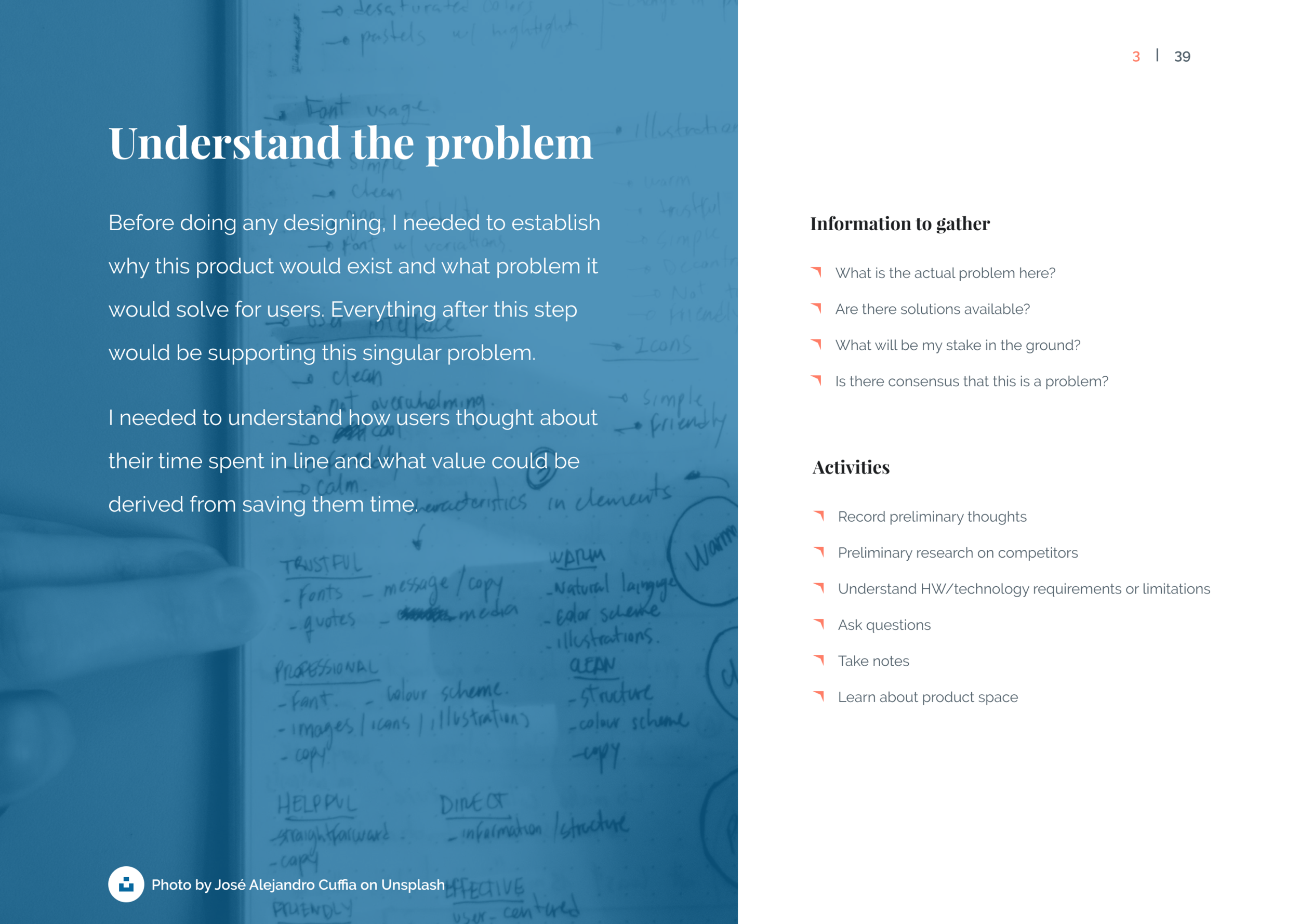
I ask questions until I truly understand the problem I’m out to solve.
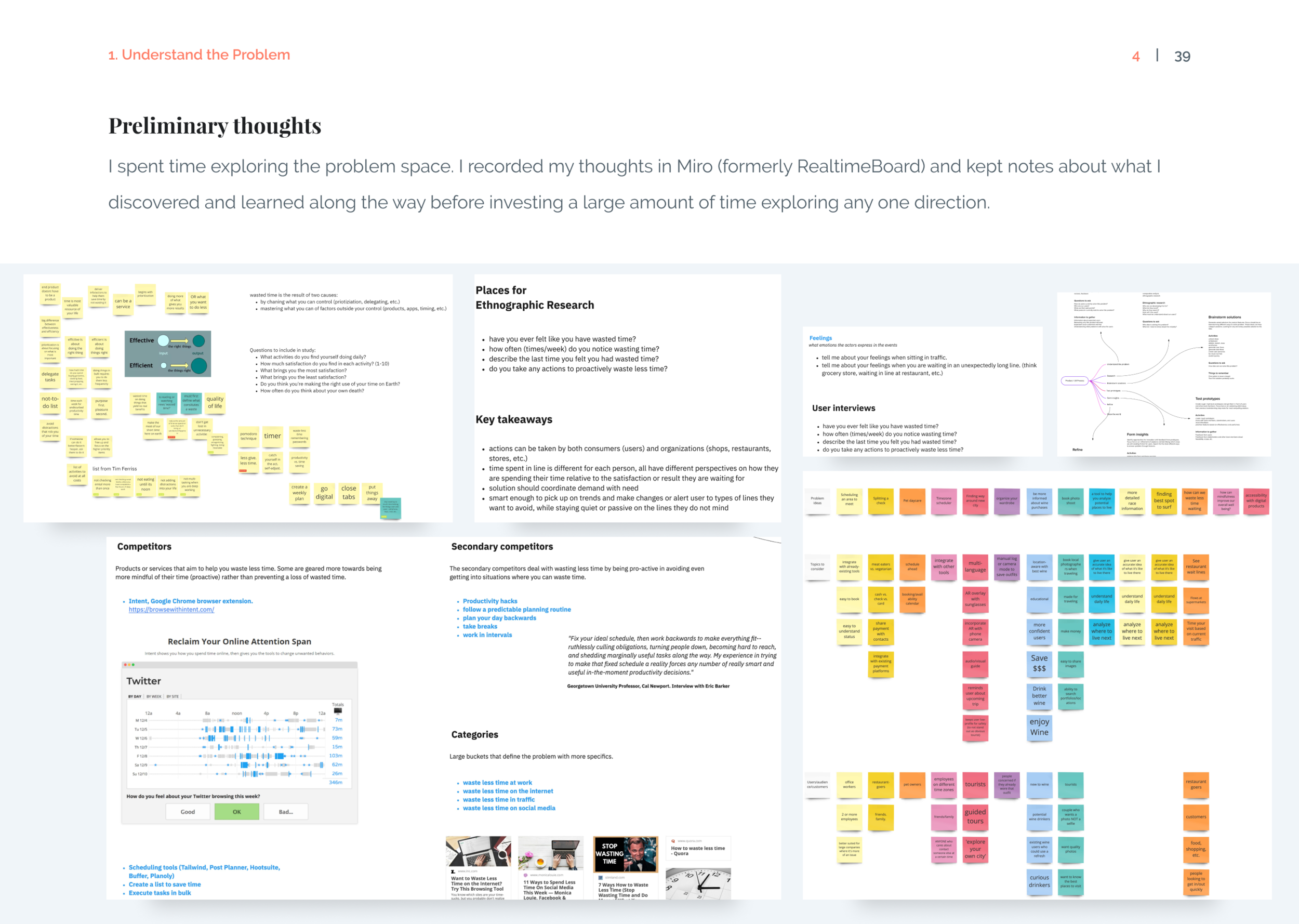
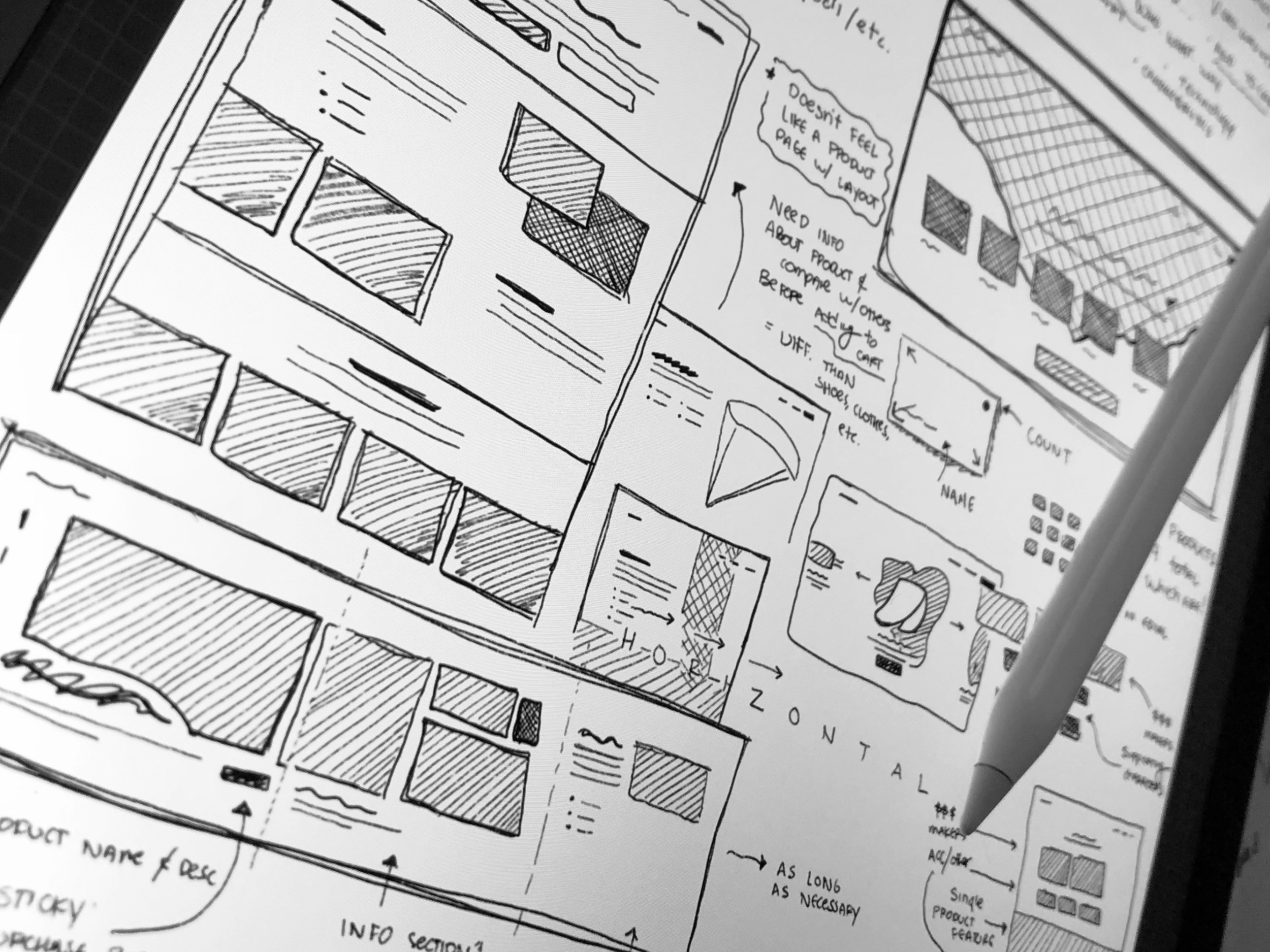
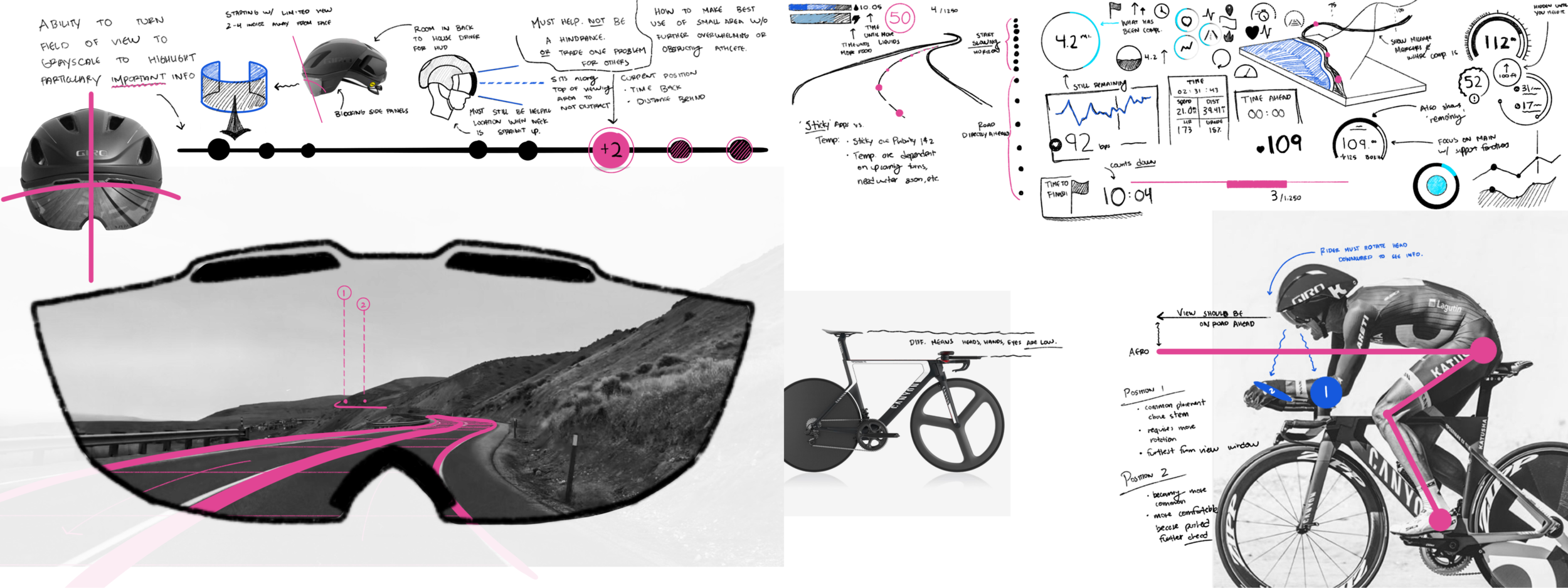
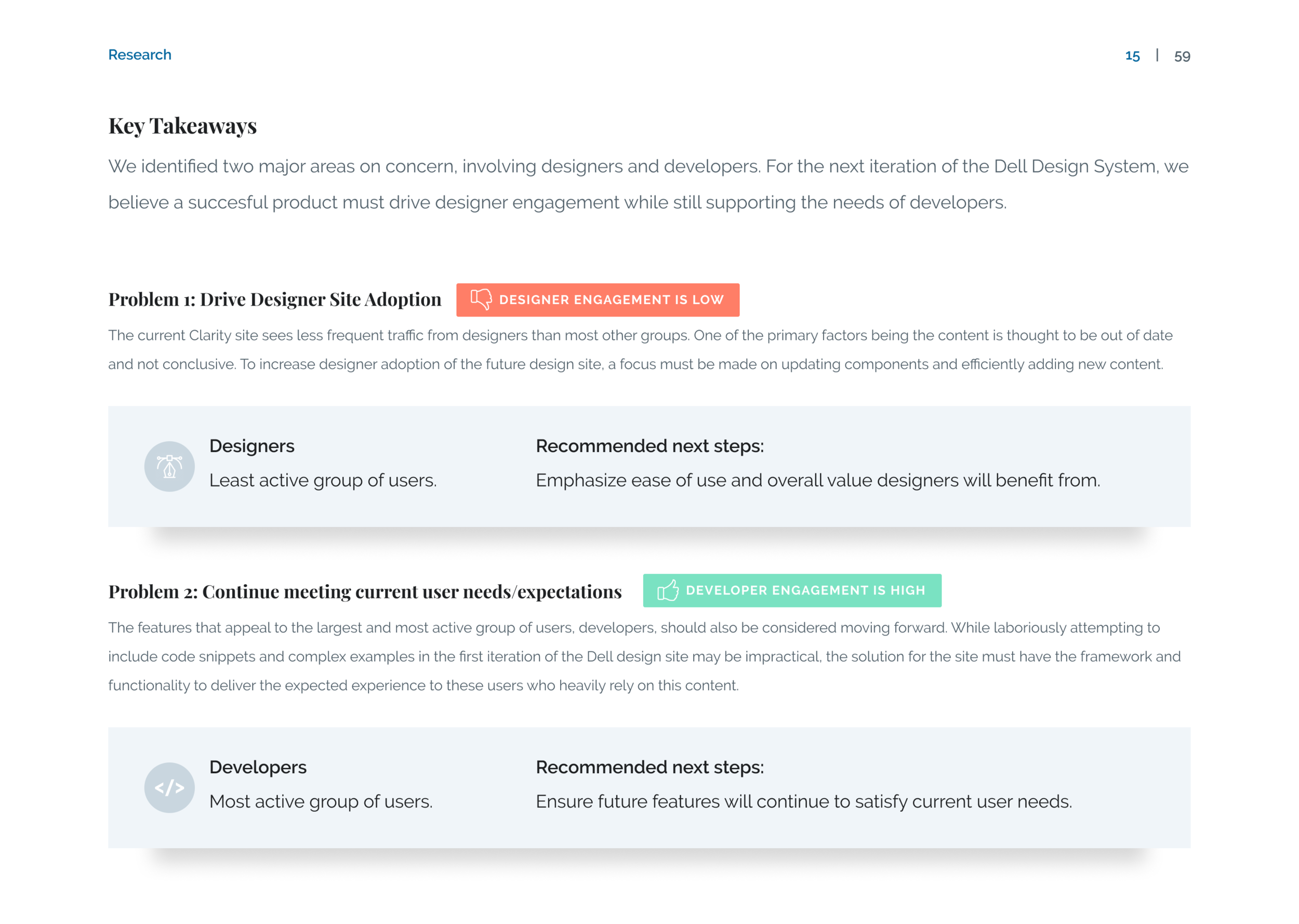
Clearly defining what needs to be done helps frame all future work moving forward. This stage can be chaotic as the problem takes shape. I make sure to record any preliminary thoughts and get rough sketches down on paper. I analyze UX notes, user testimonials, and analyze the current product state (if it exists).
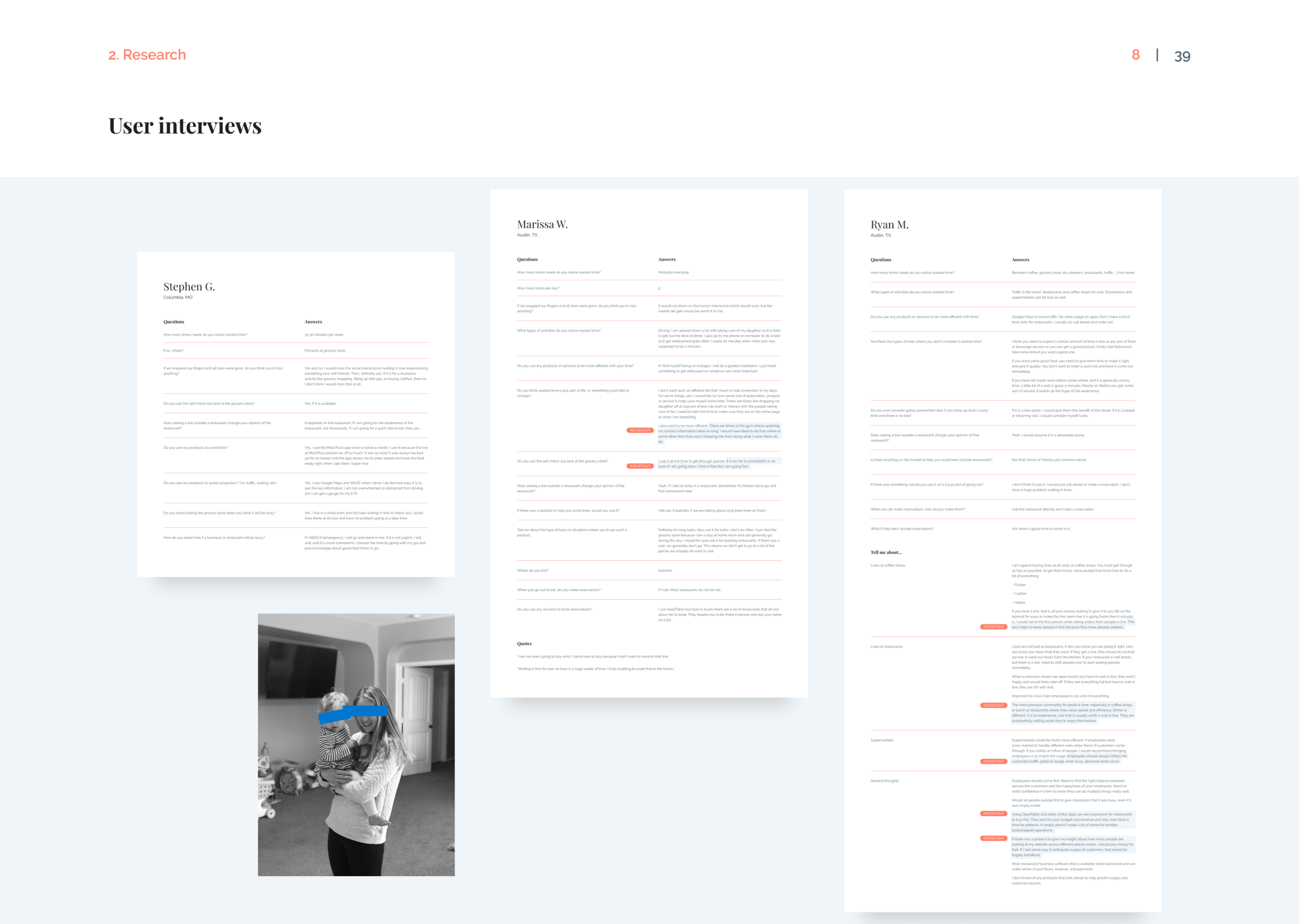
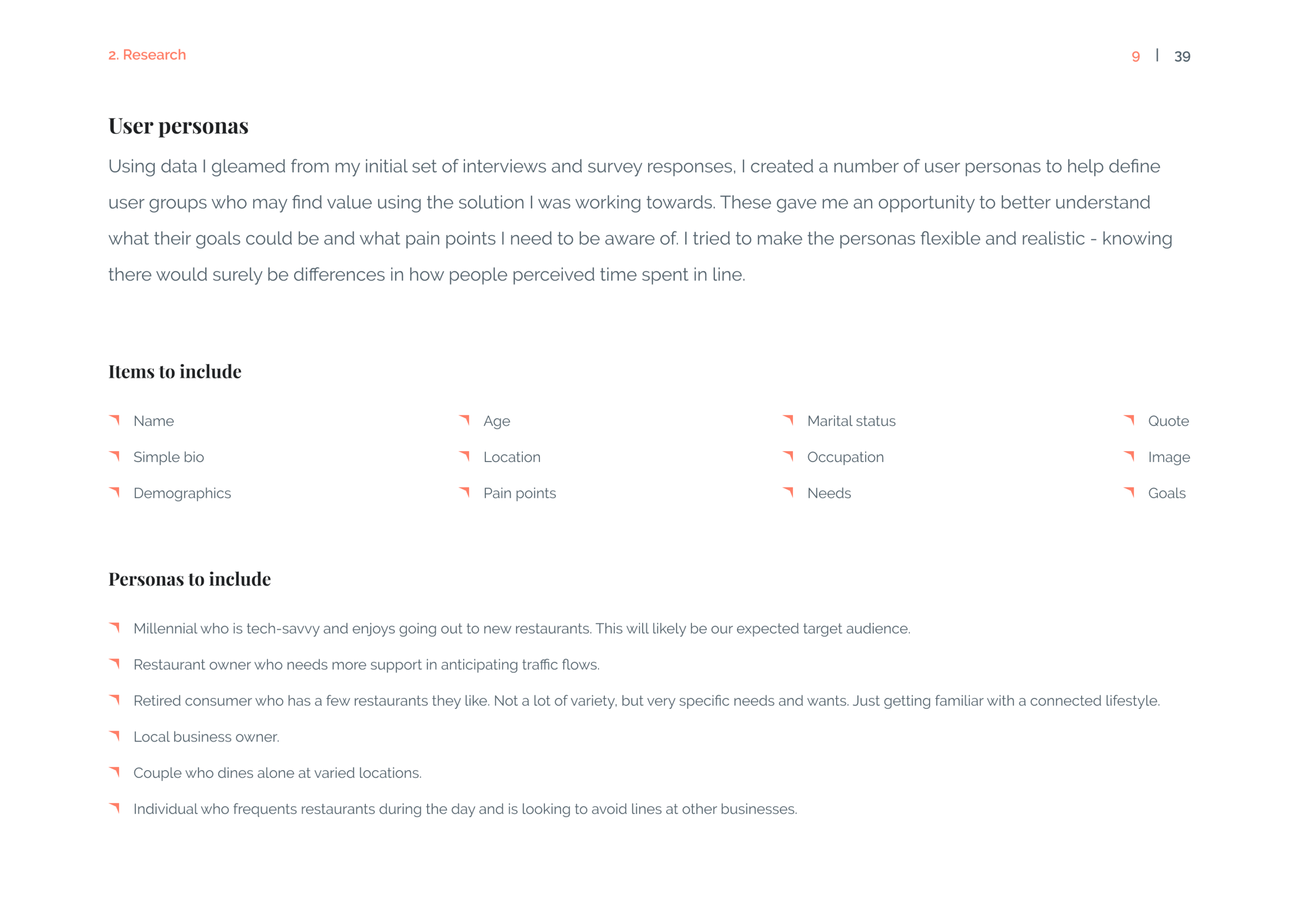
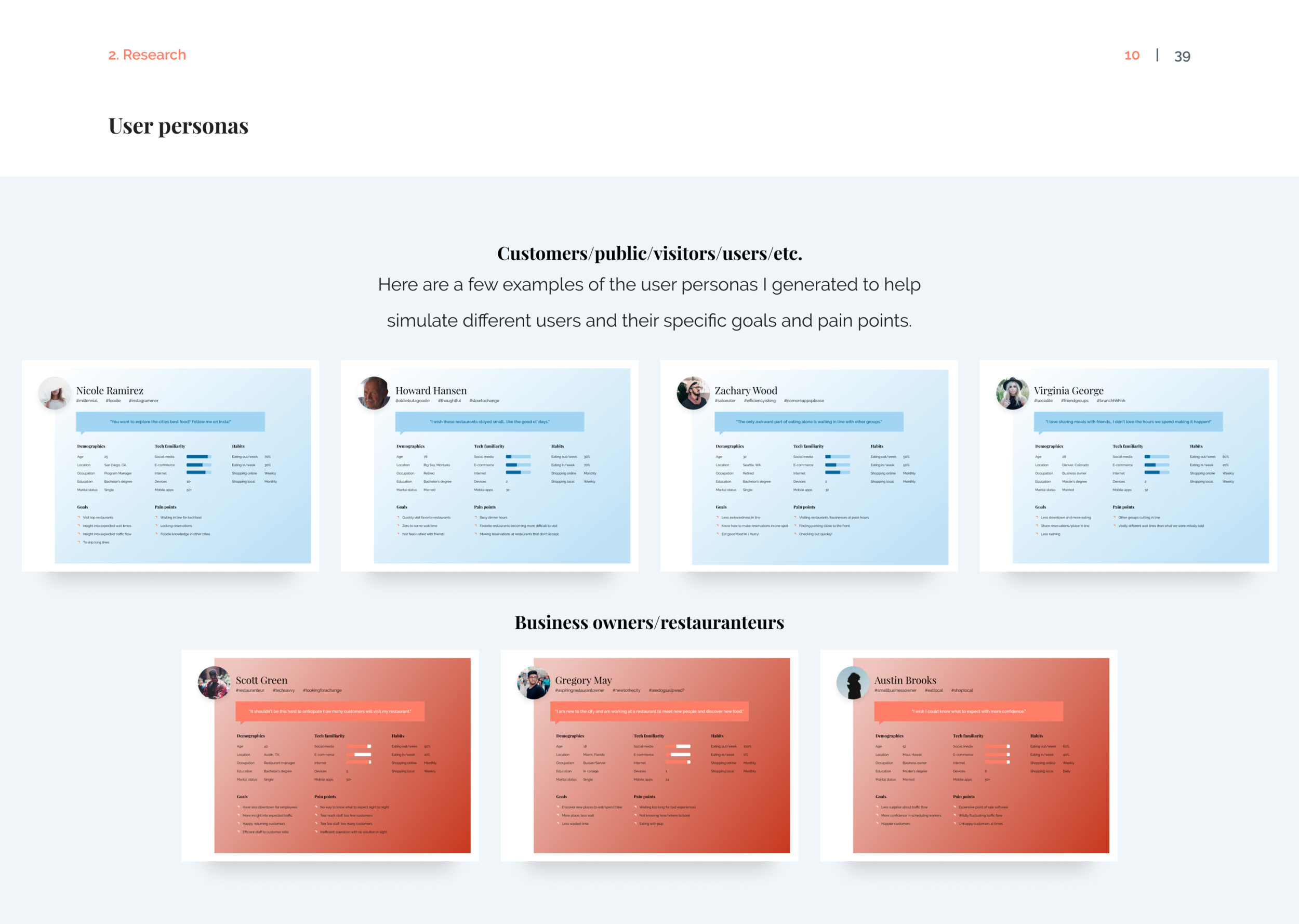
The focus is also on clearly identifying who the users are, what their pain points and goals are. I create user personas to help define who will be using the product.
Research
Gather information around the defined problem.
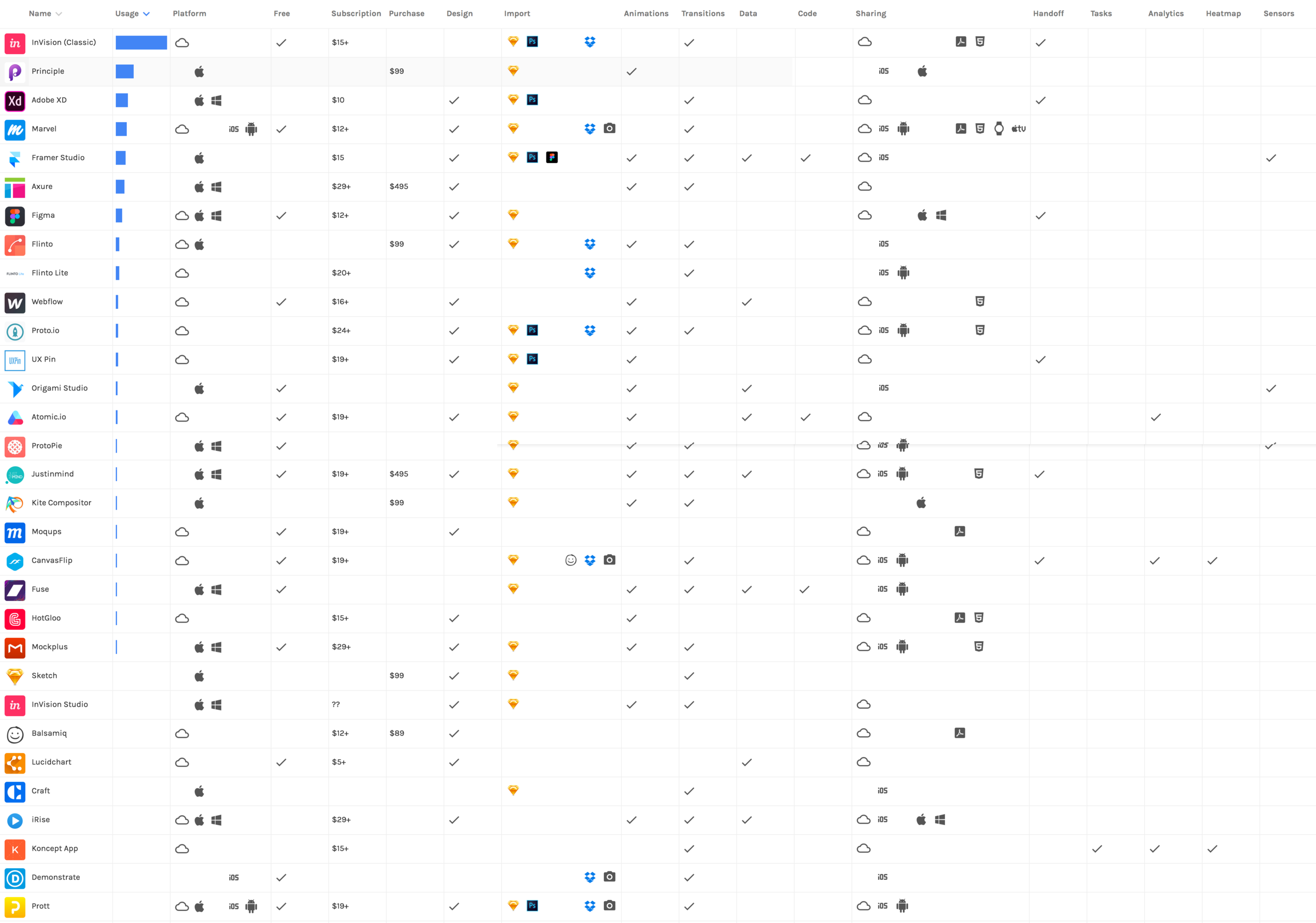
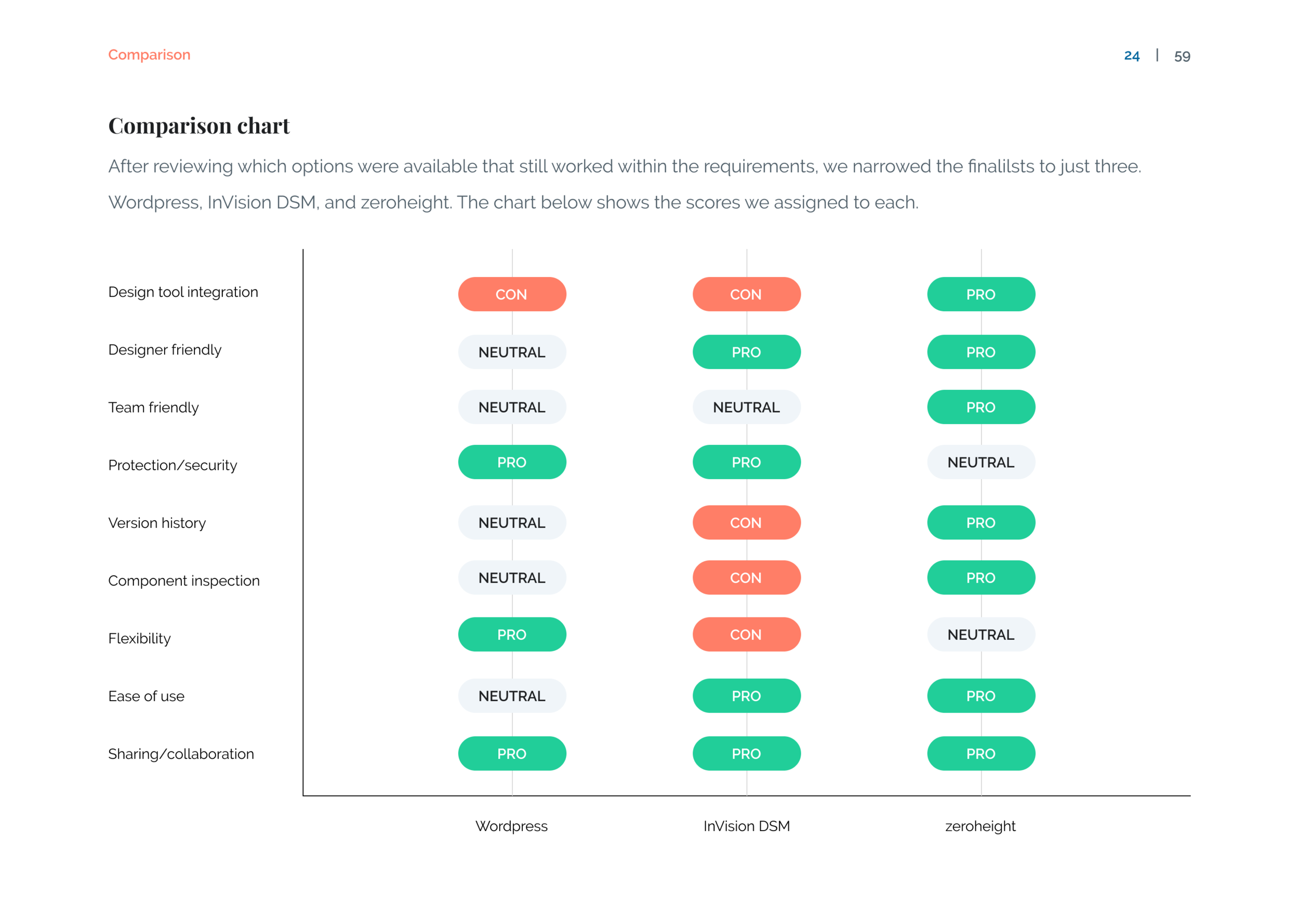
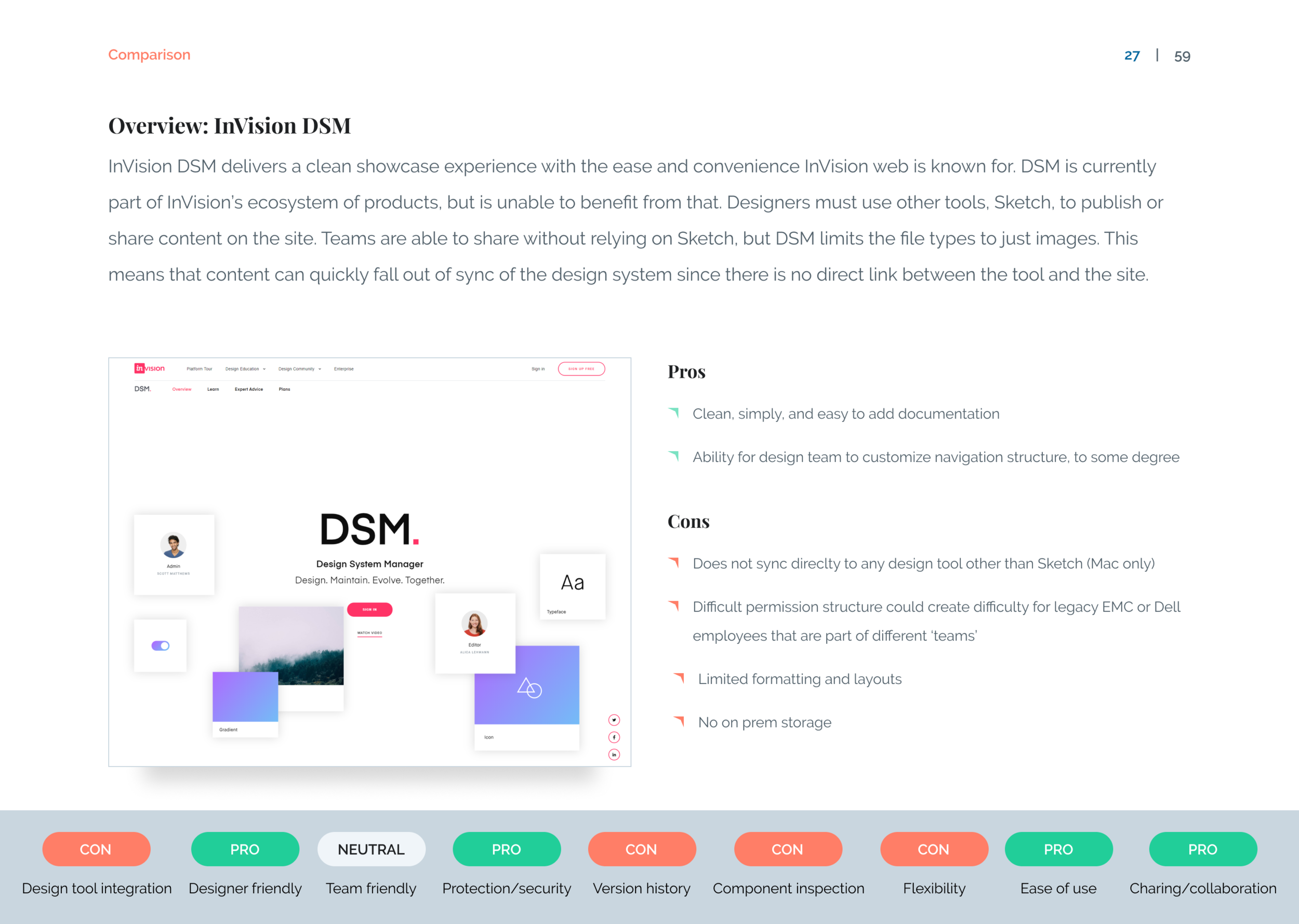
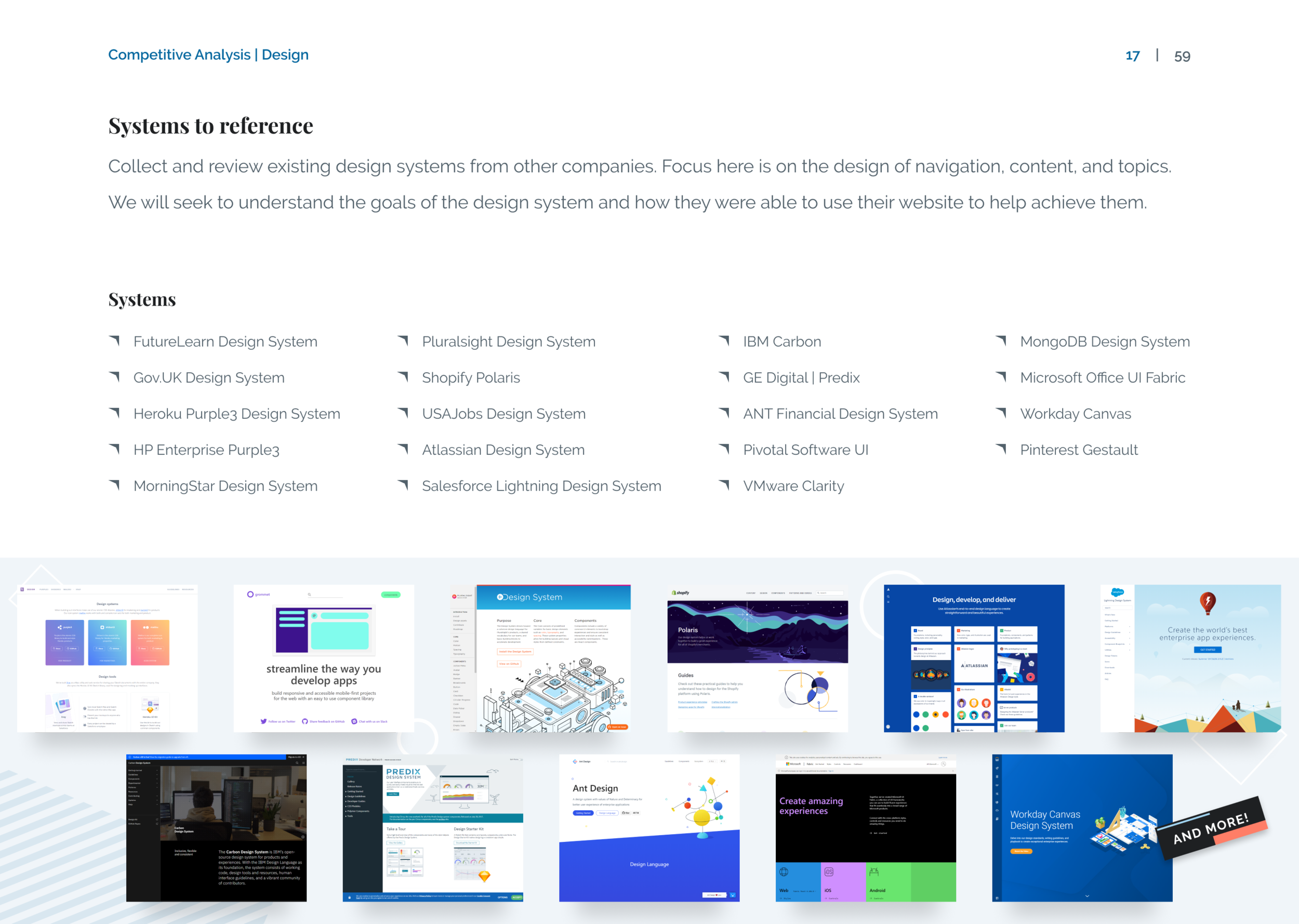
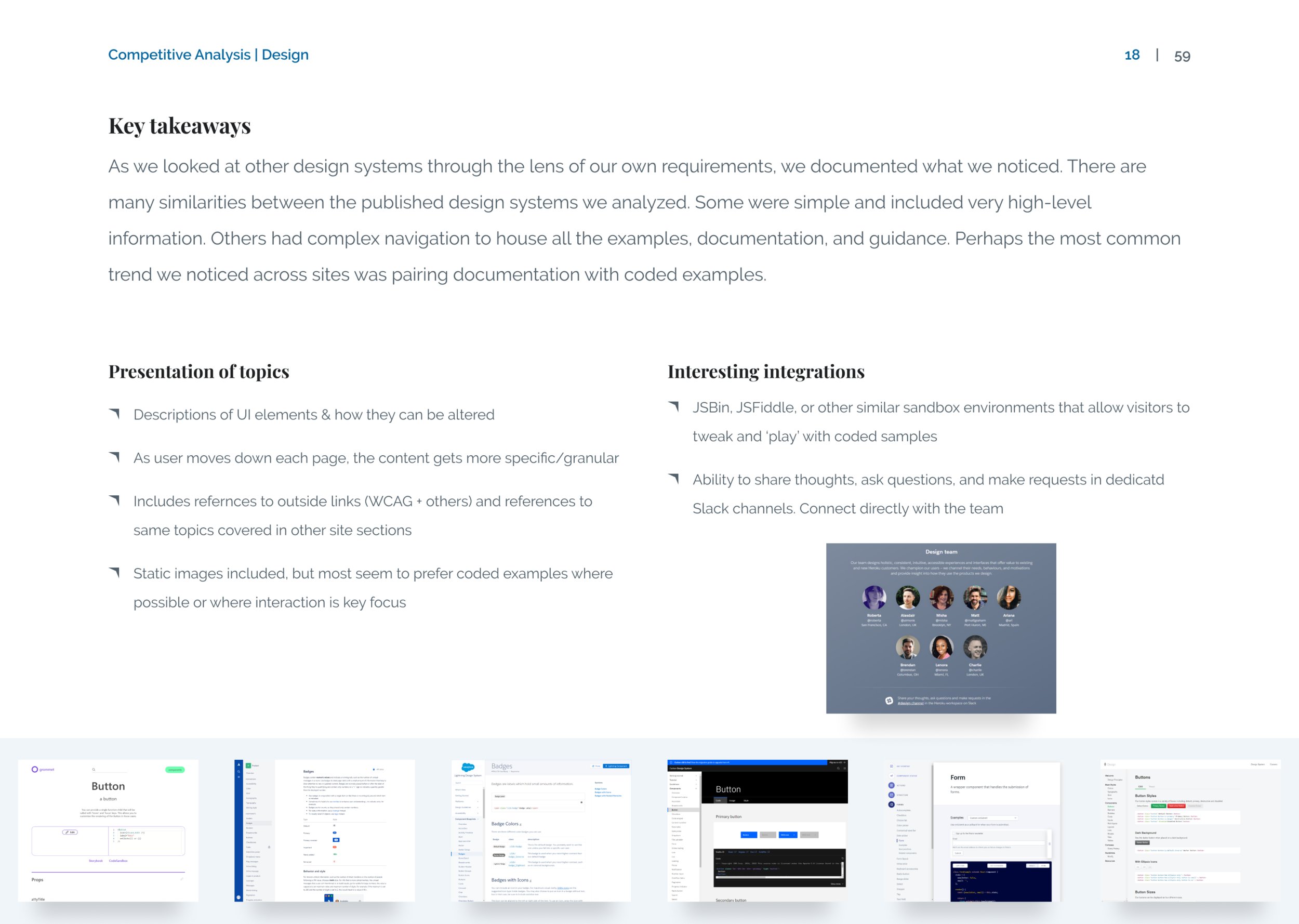
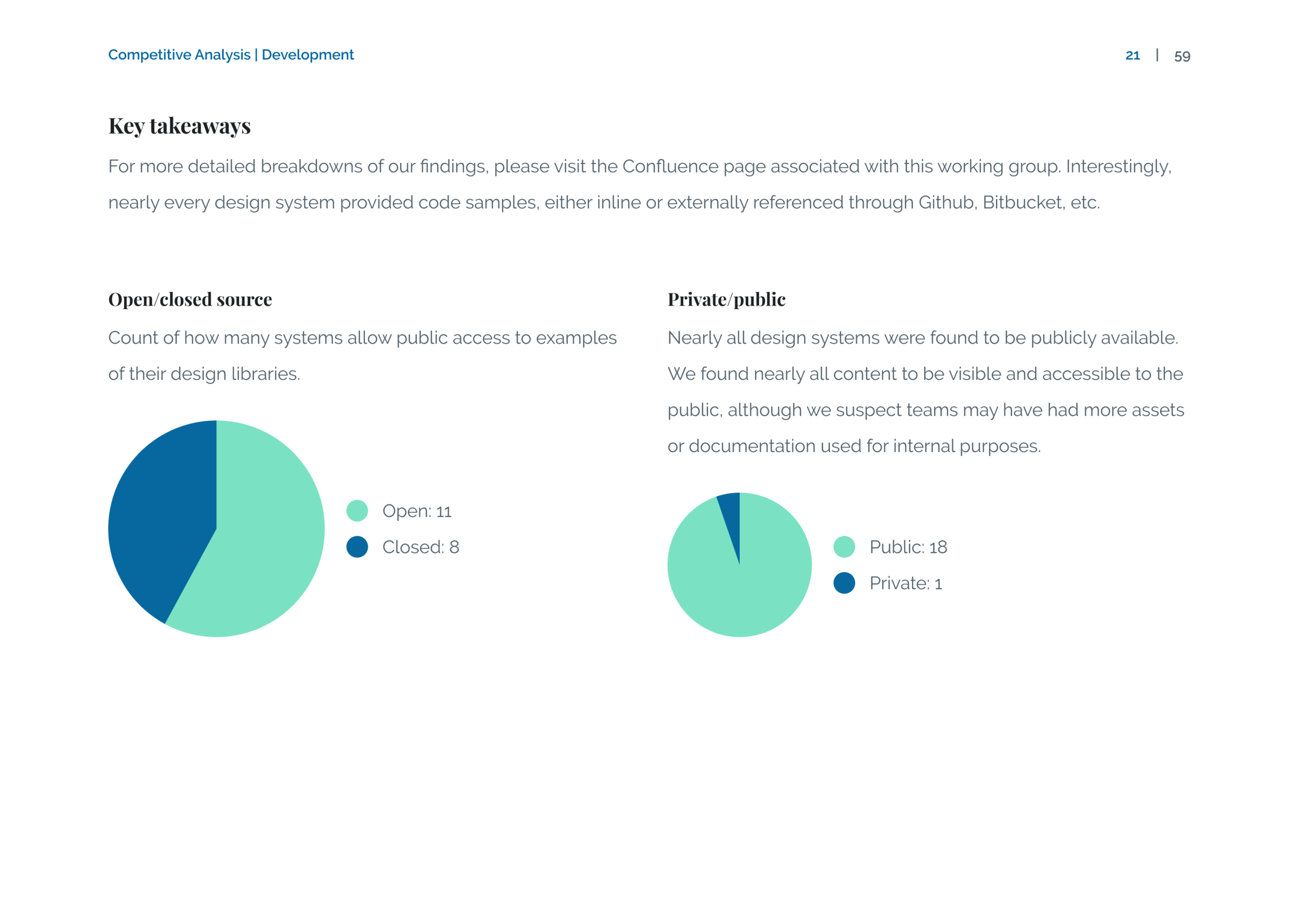
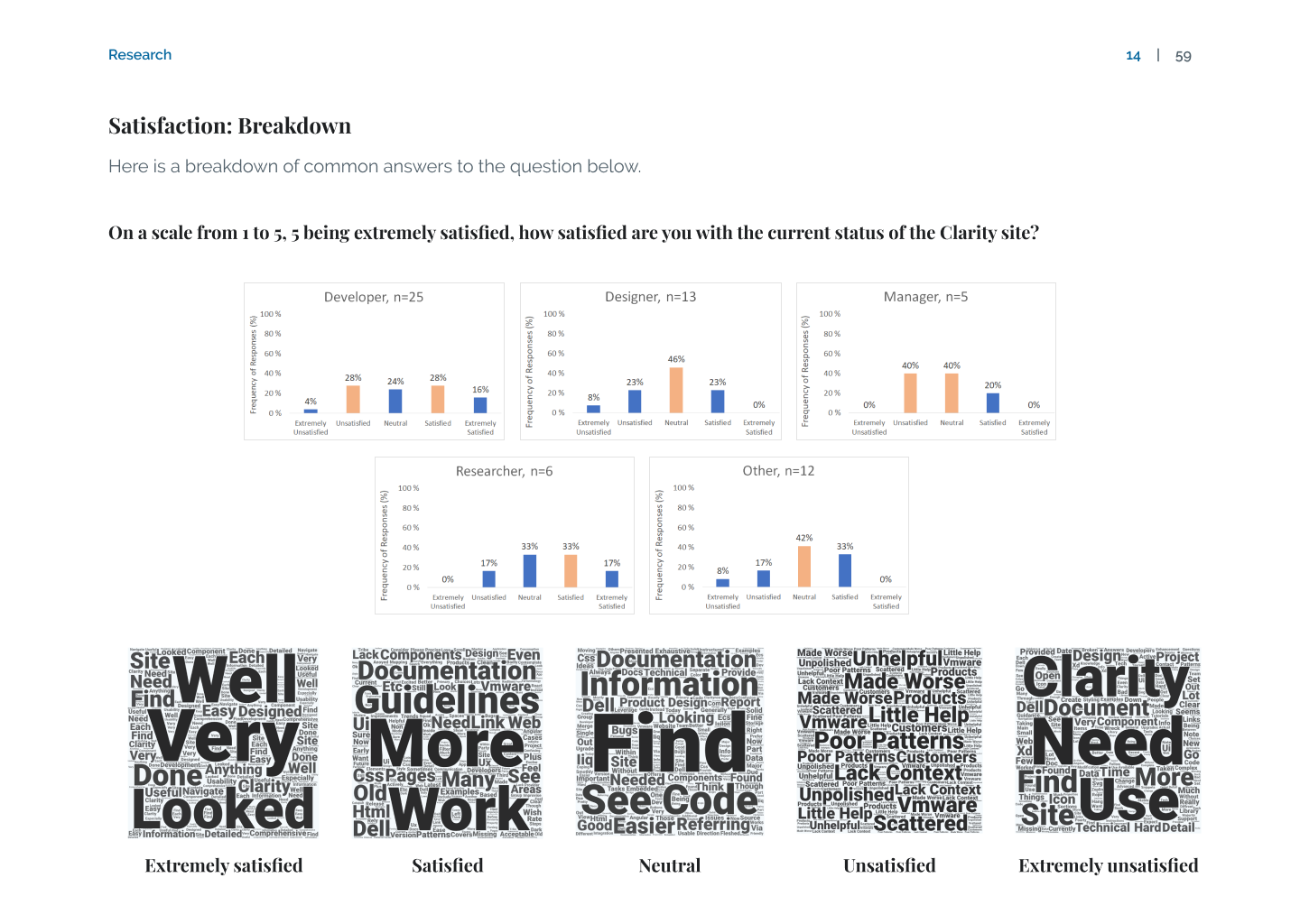
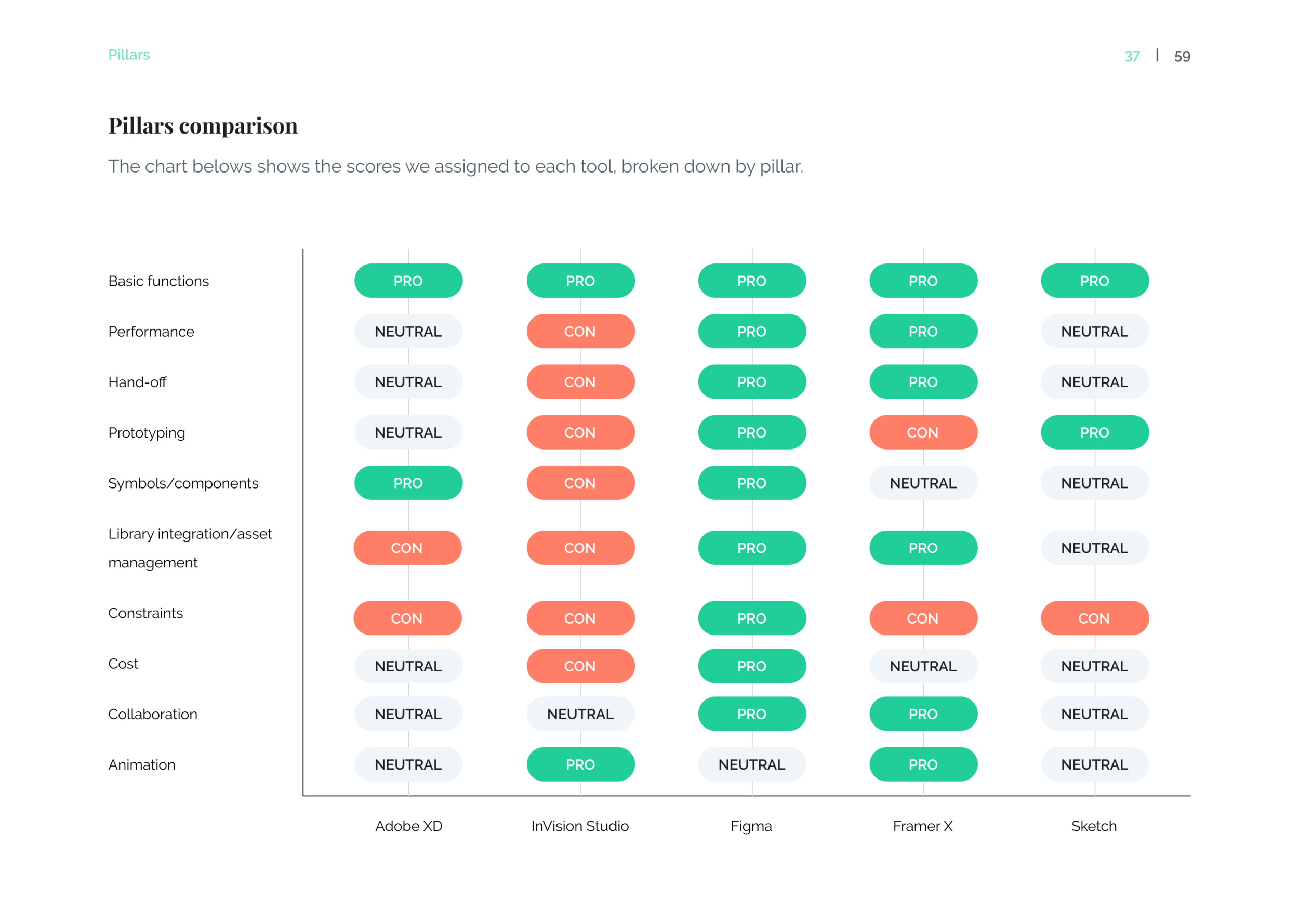
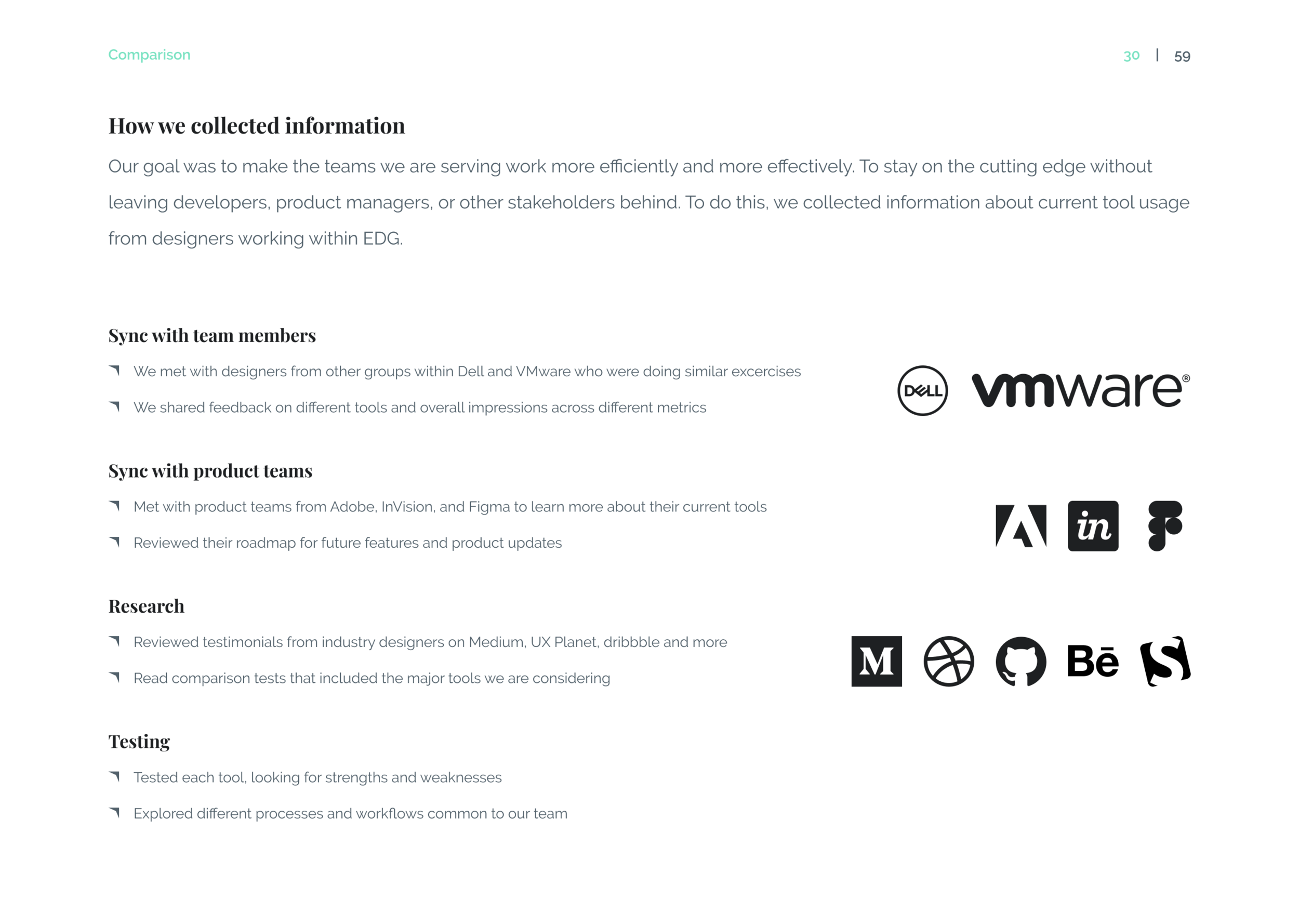
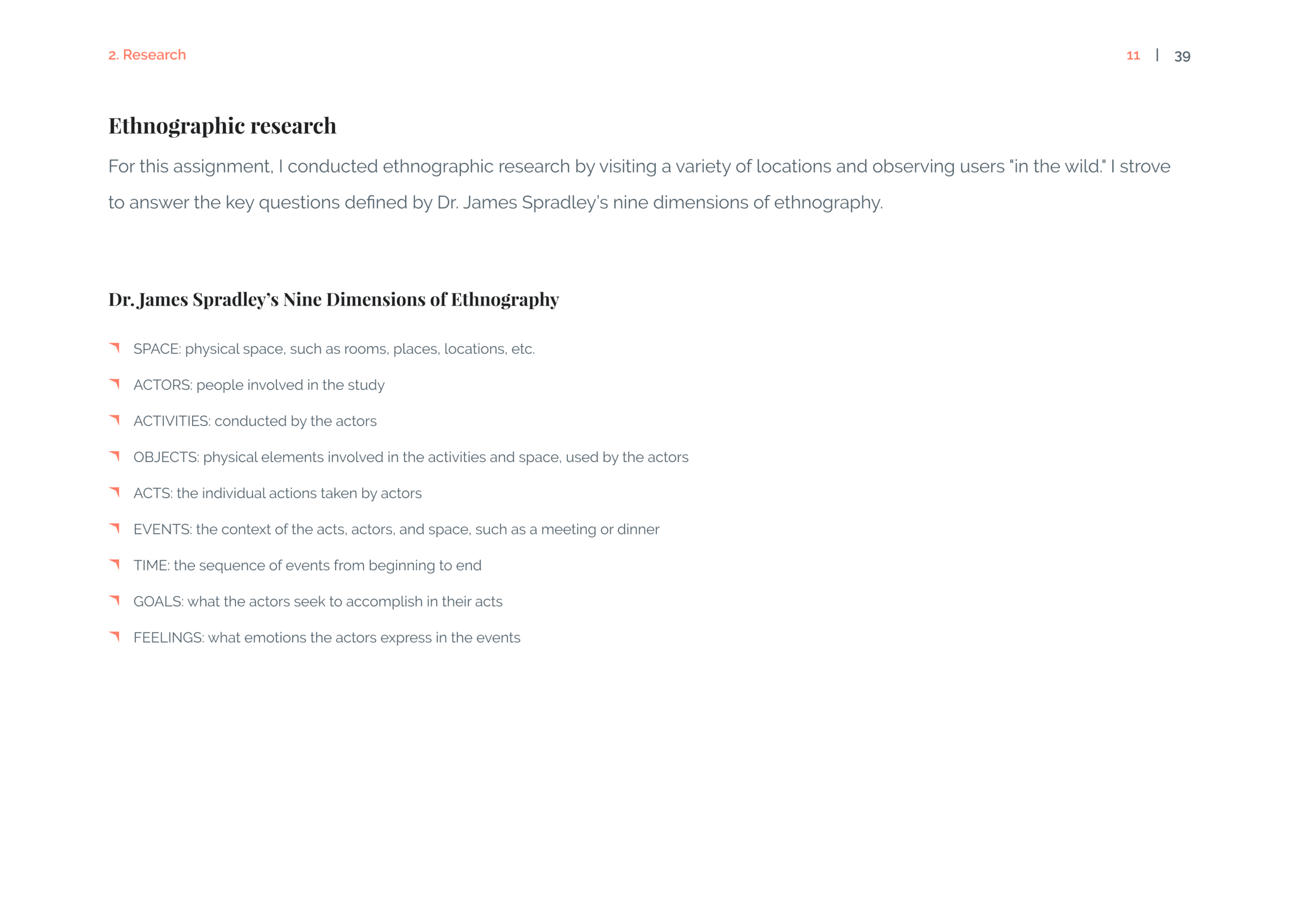
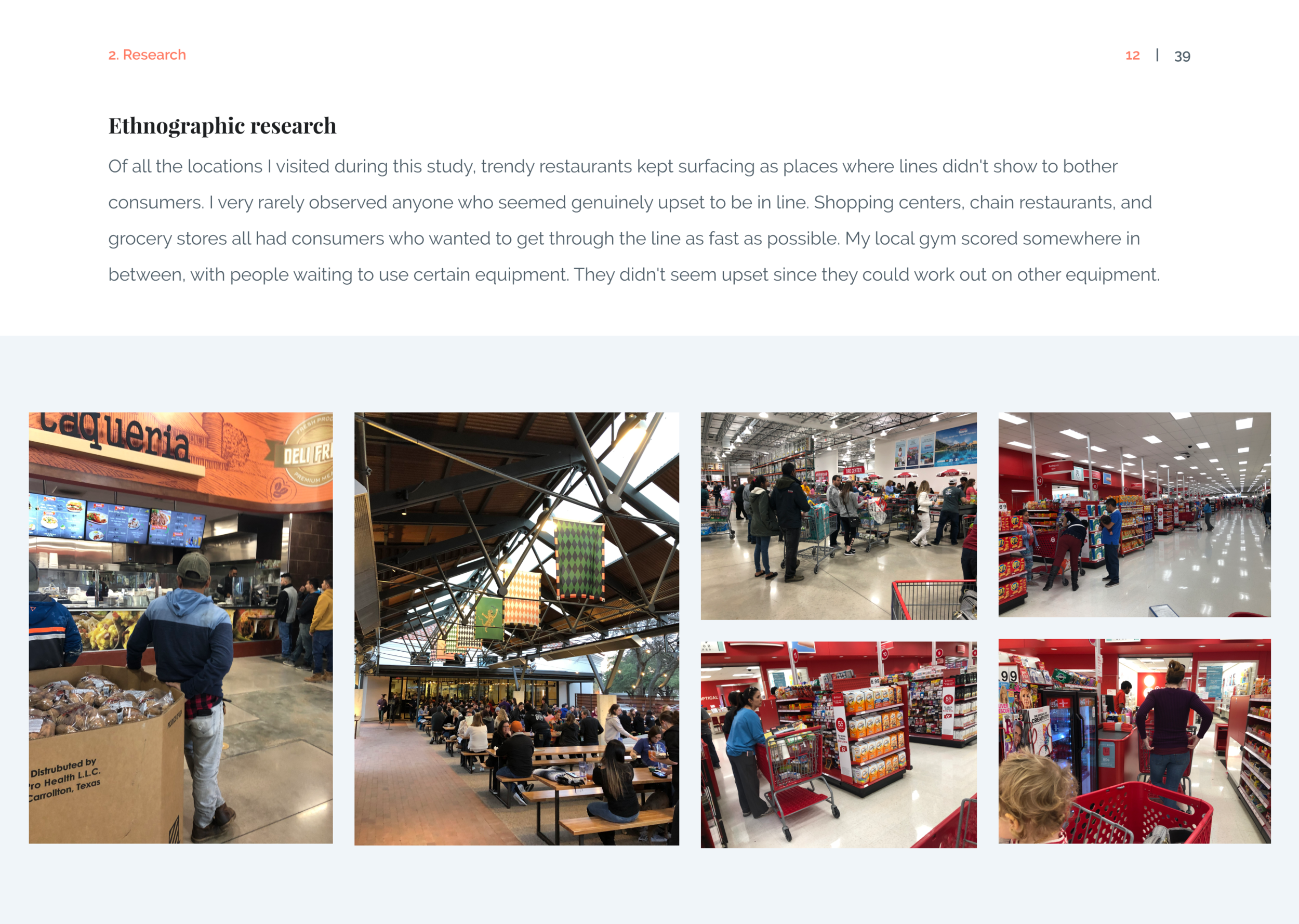
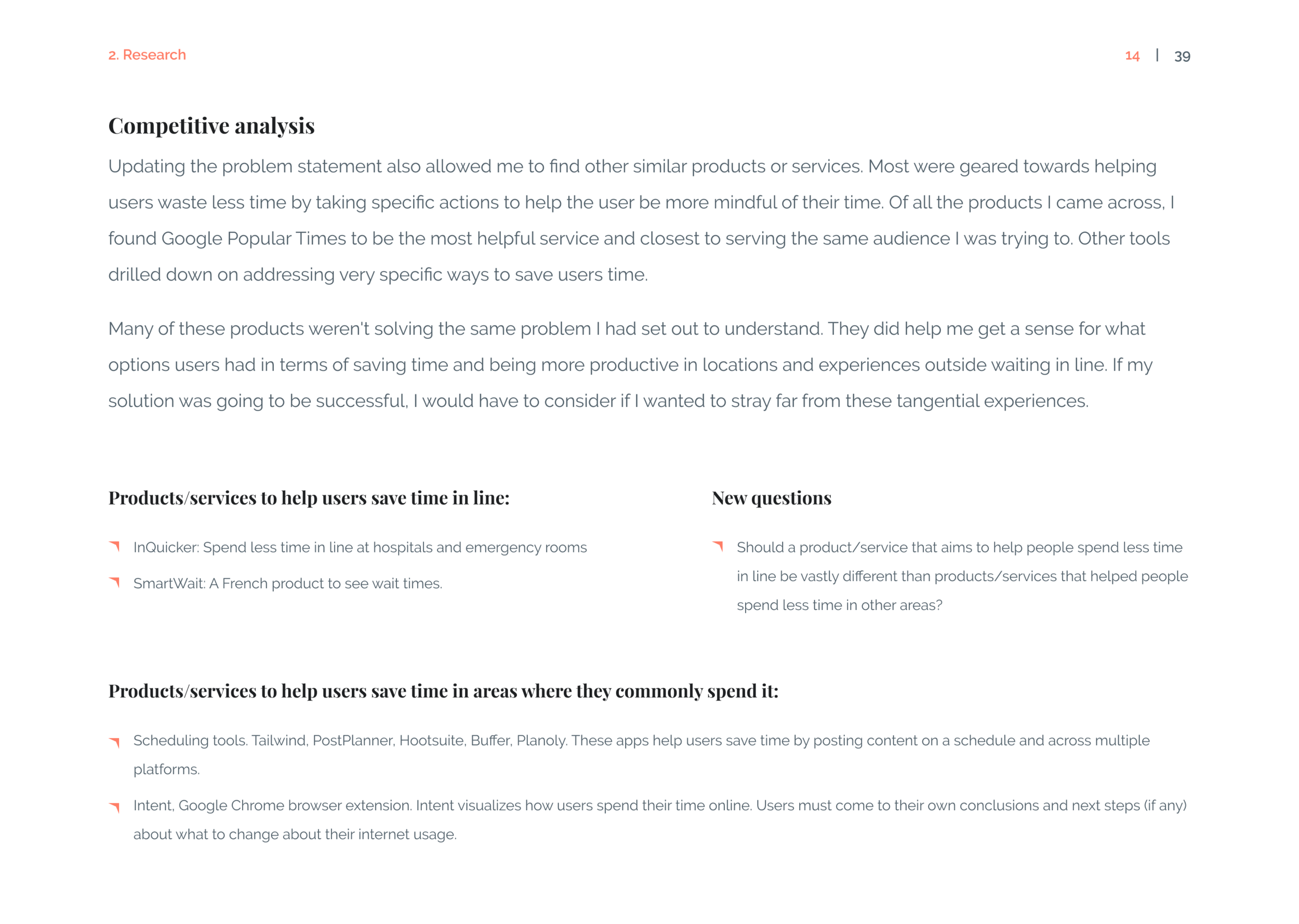
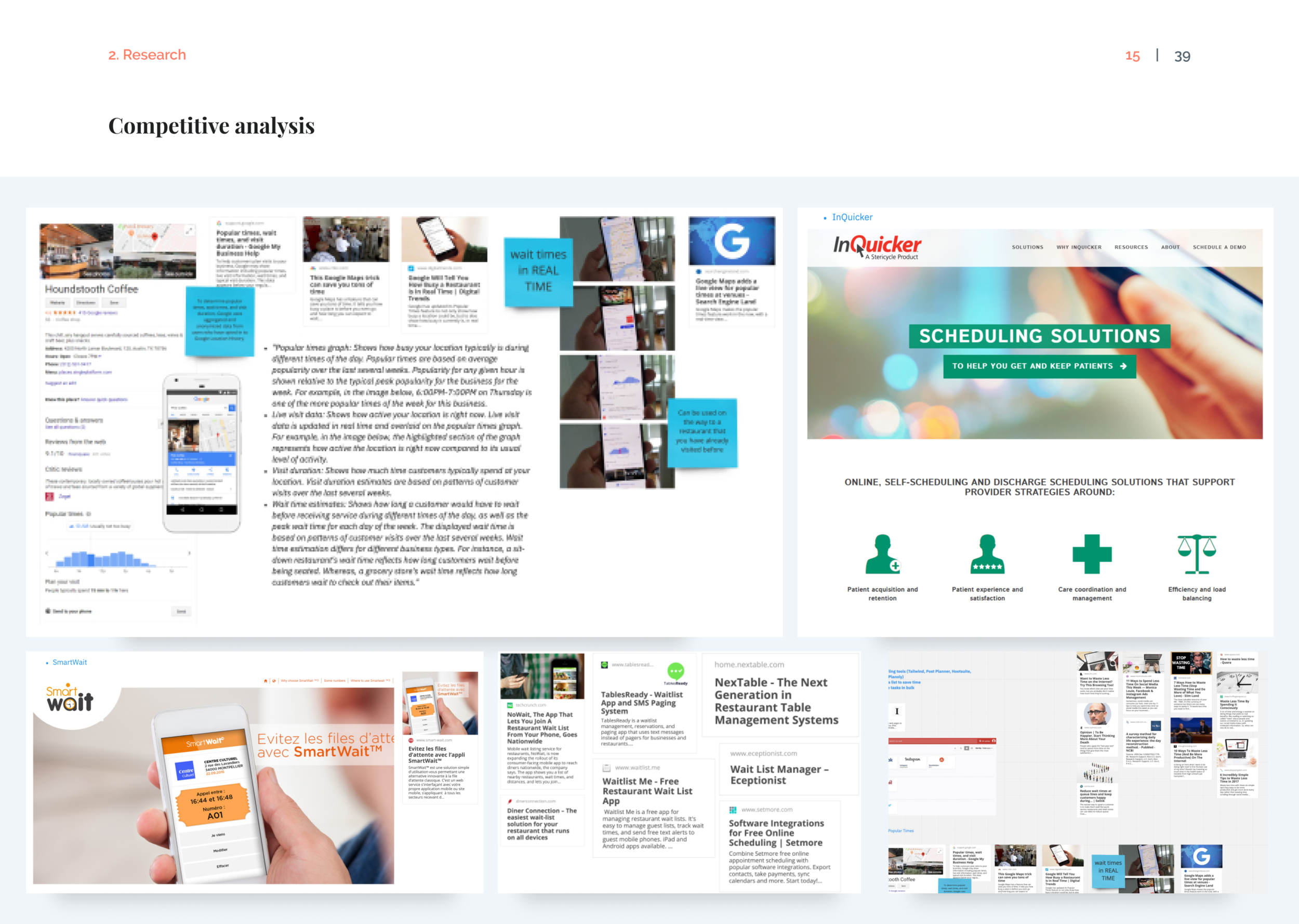
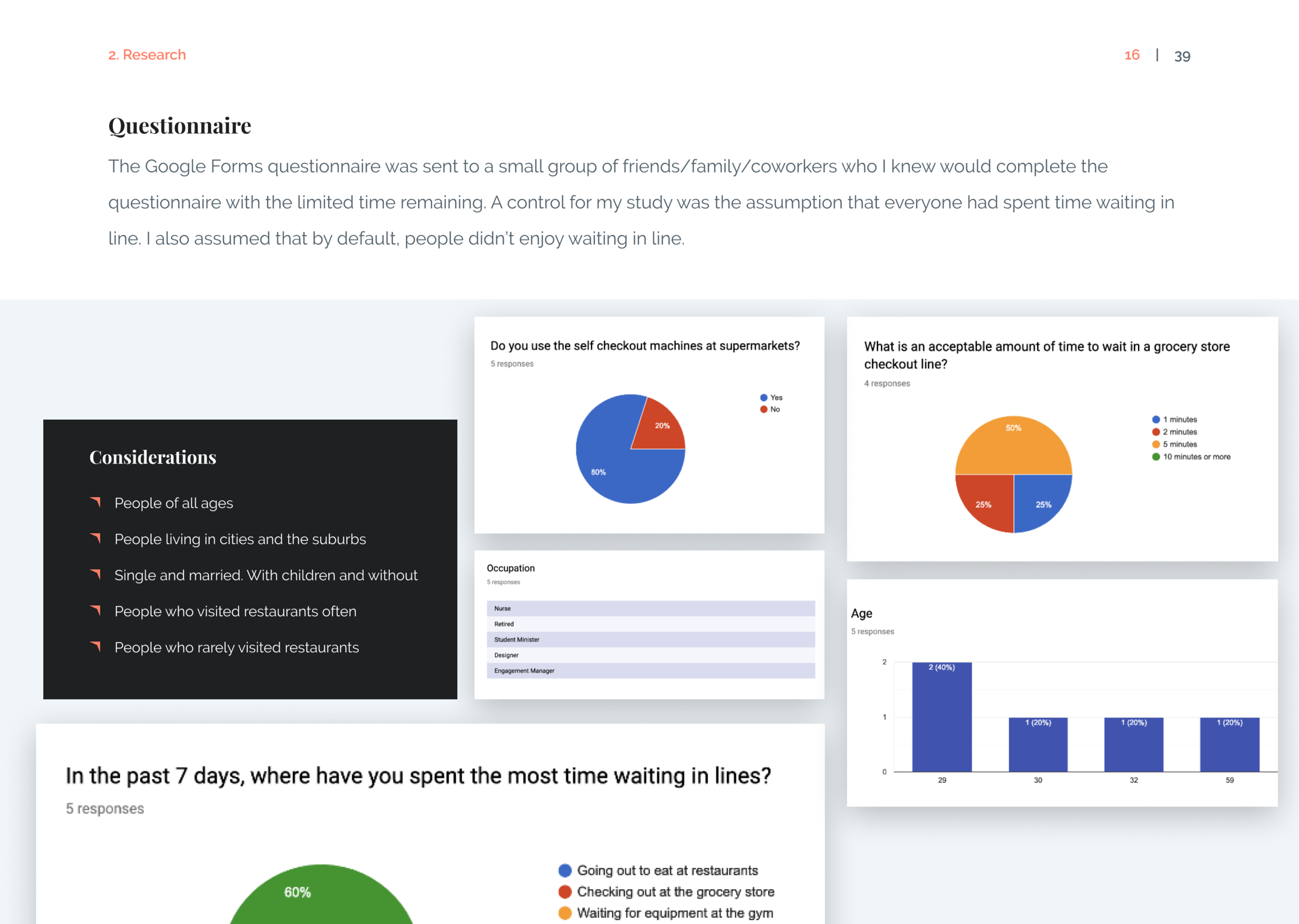
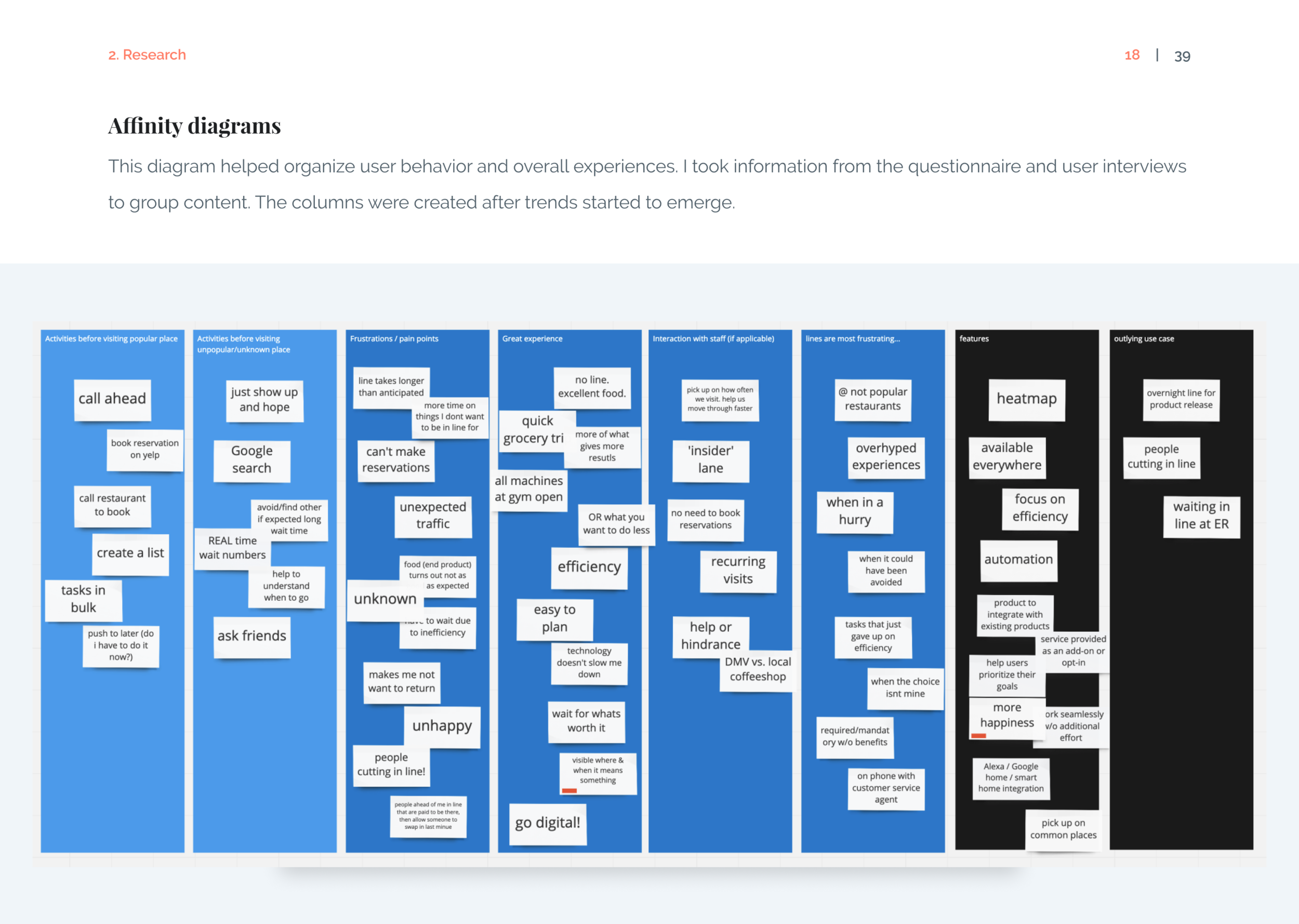
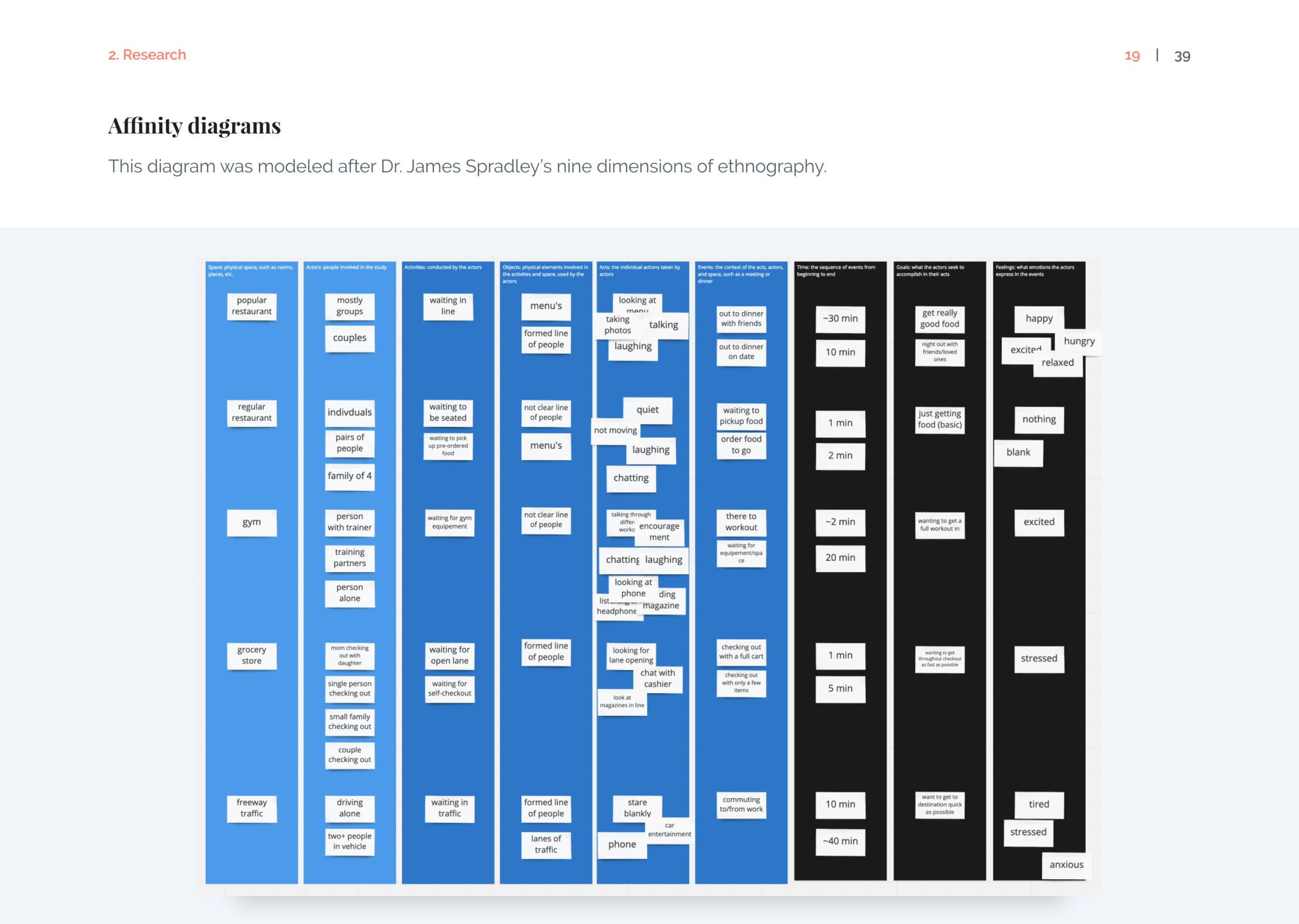
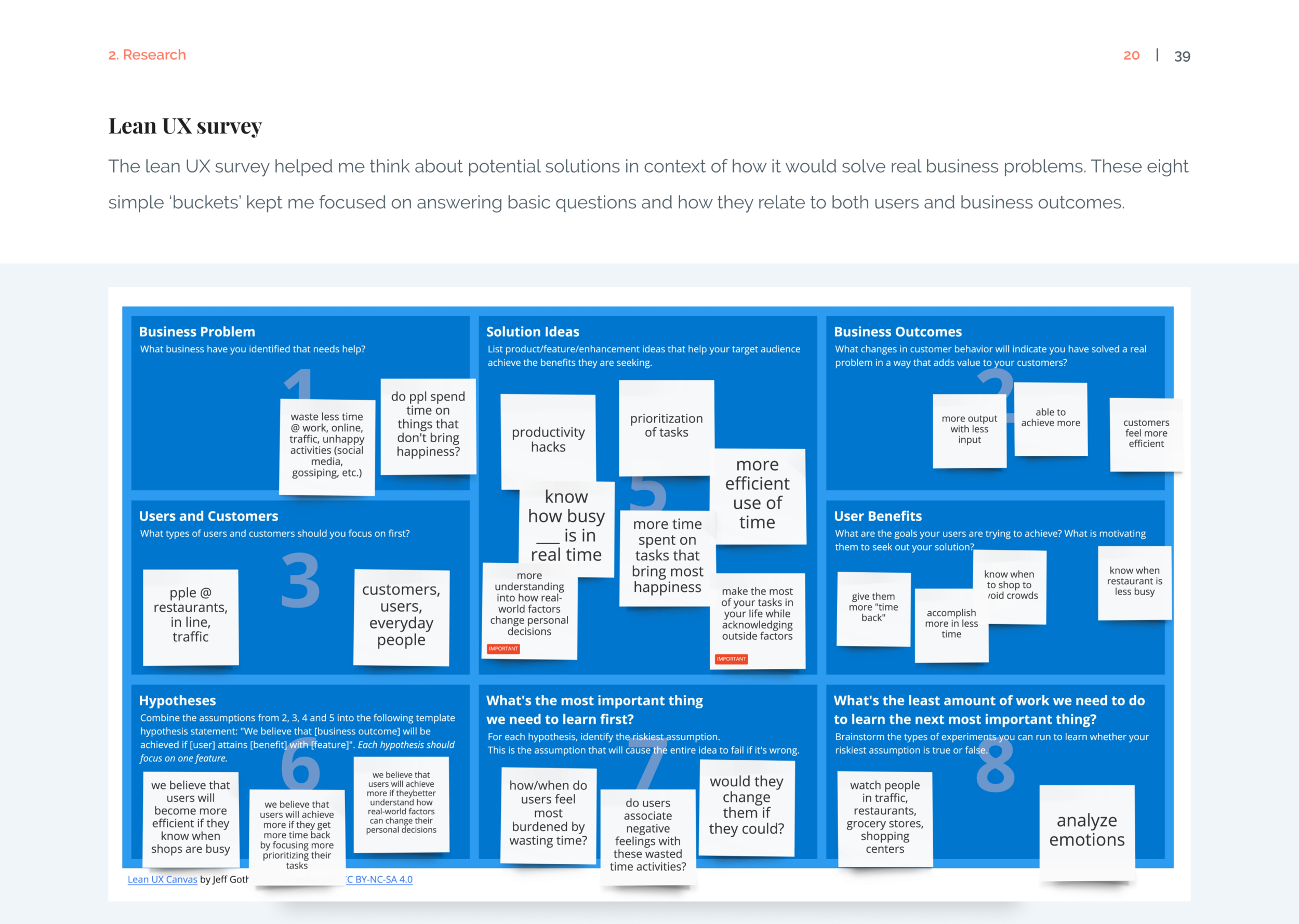
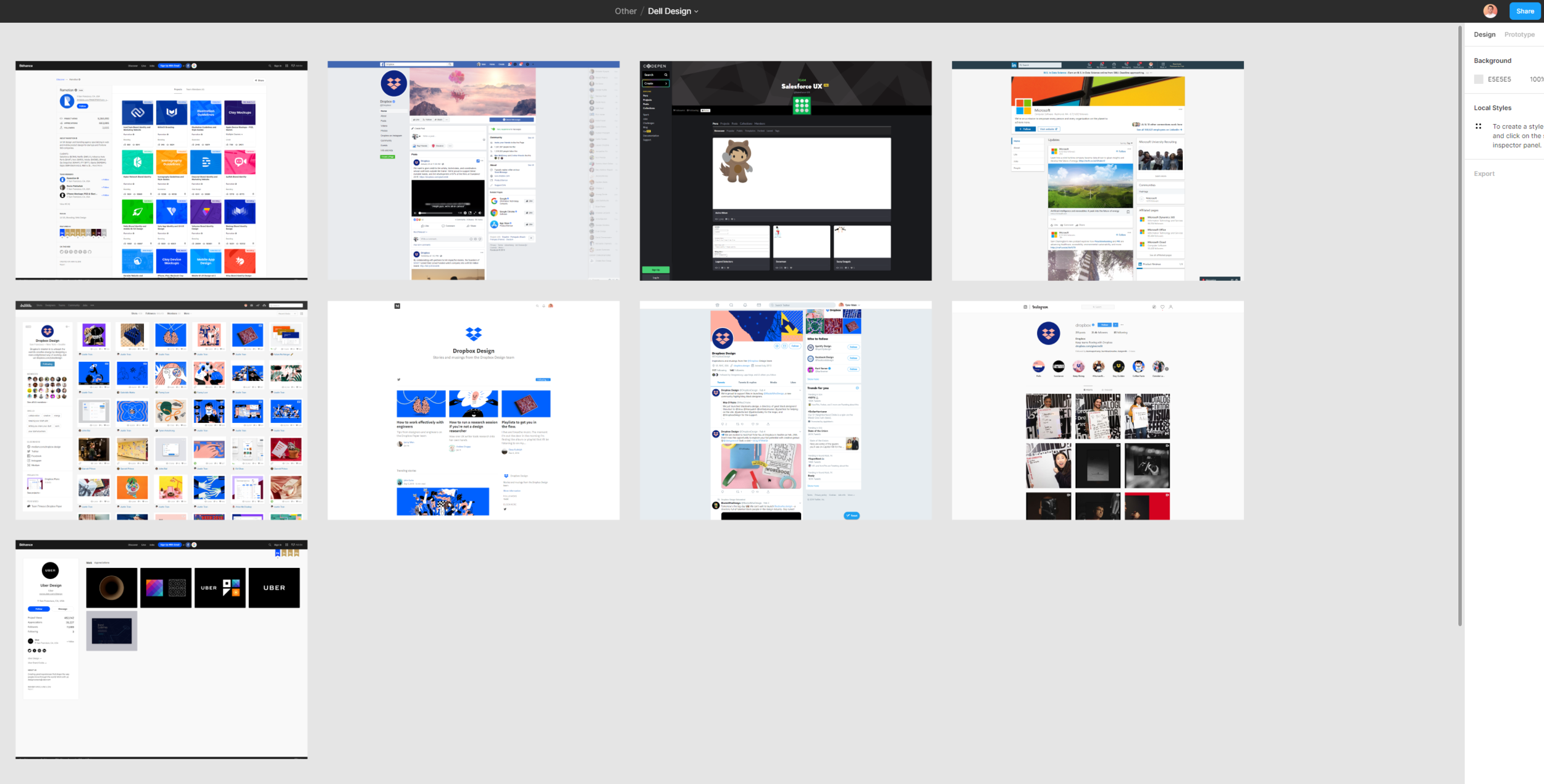
Once the problem is clearly defined, I start gathering information around it. This base of knowledge helps guide my creativity moving forward. I research competitors, learn about the product space, and ask more questions.
I continue to sketch and begin organizing everything to be easily accessible to the rest of the team.
Brainstorm solutions
Look for any and every possible solution.
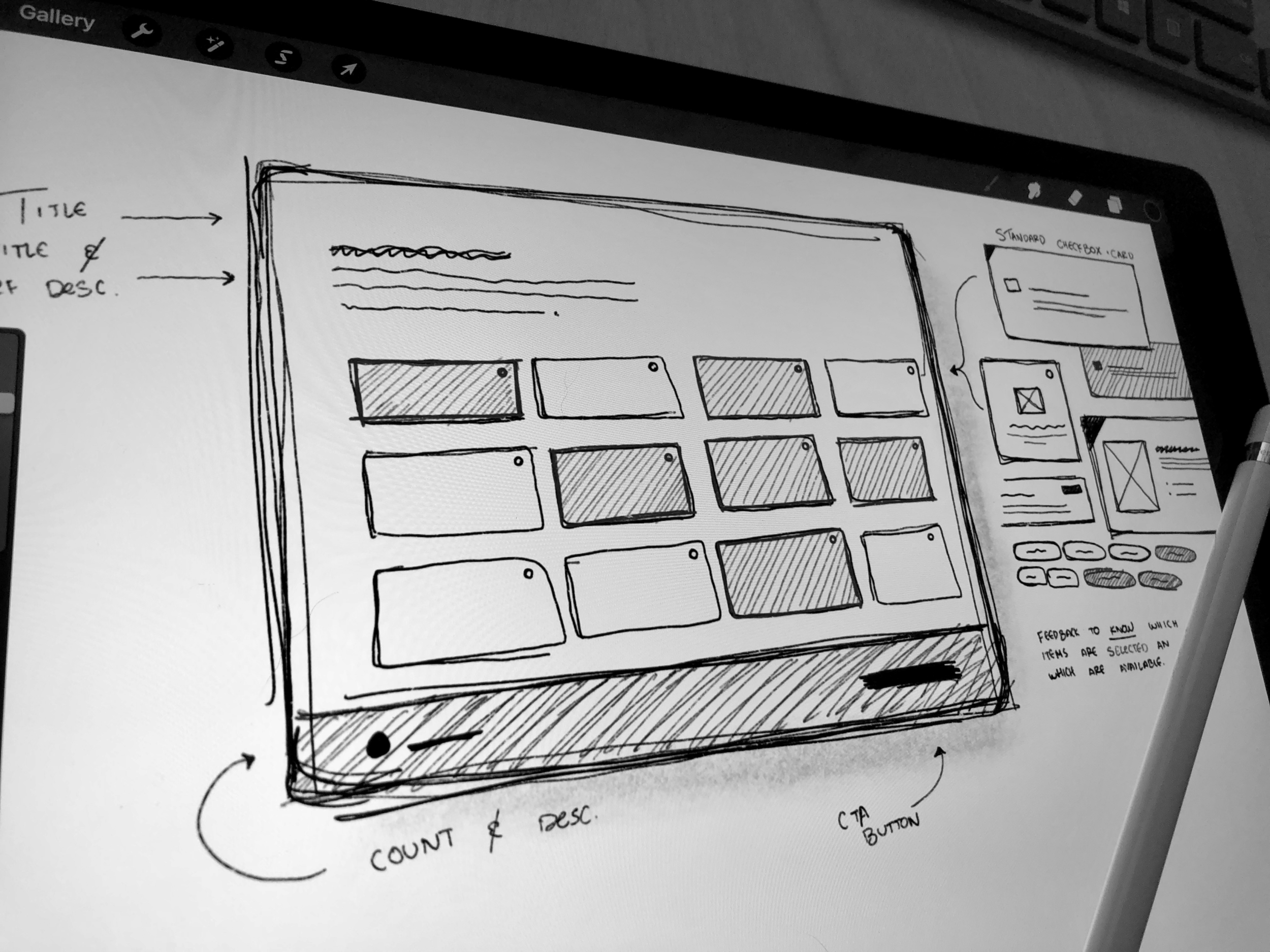
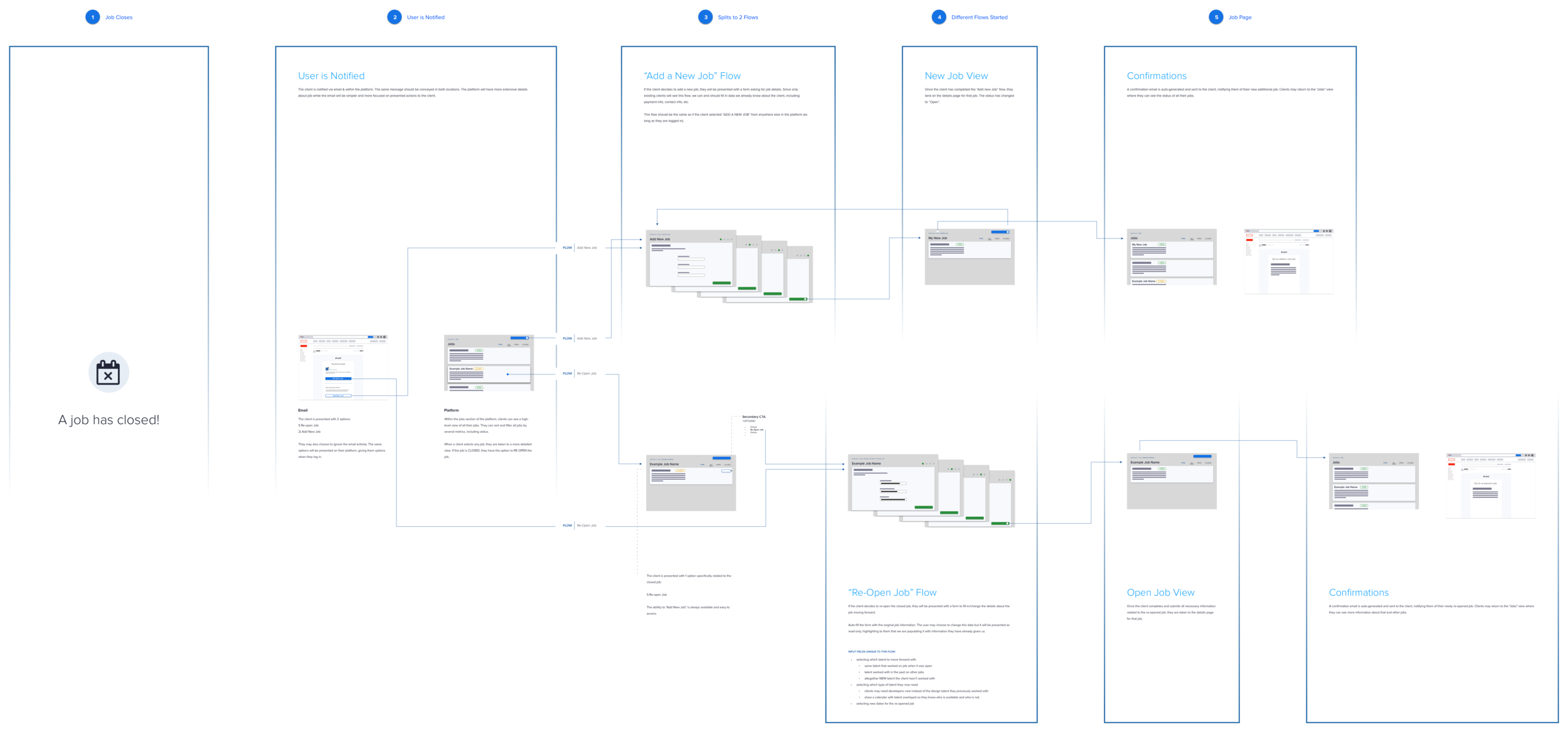
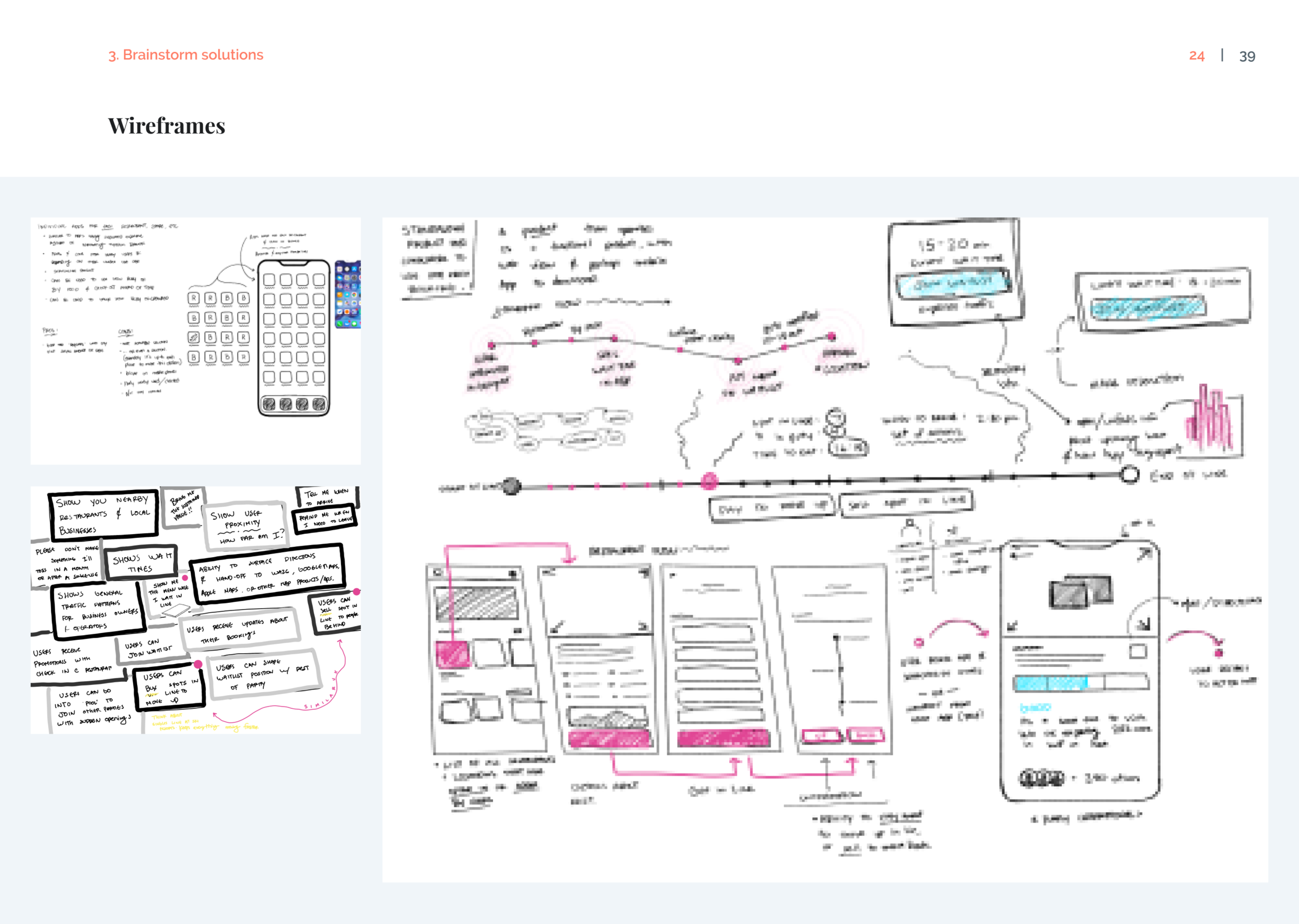
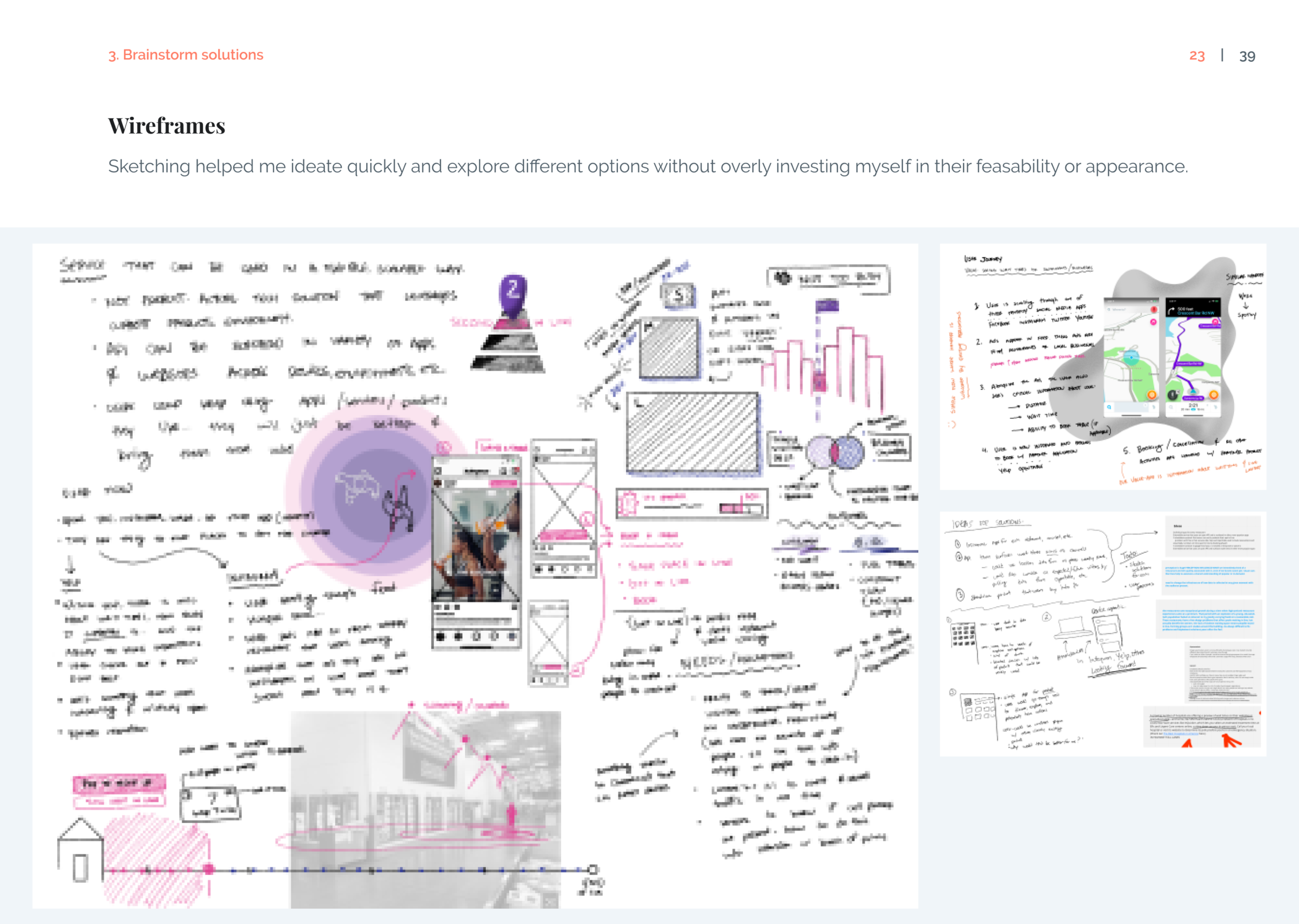
As more information is collected, I begin generating different solutions. Generating options helps me remain fluid and able to respond to new information. I work on whiteboards, paper and pen, or digital canvases such as Procreate.
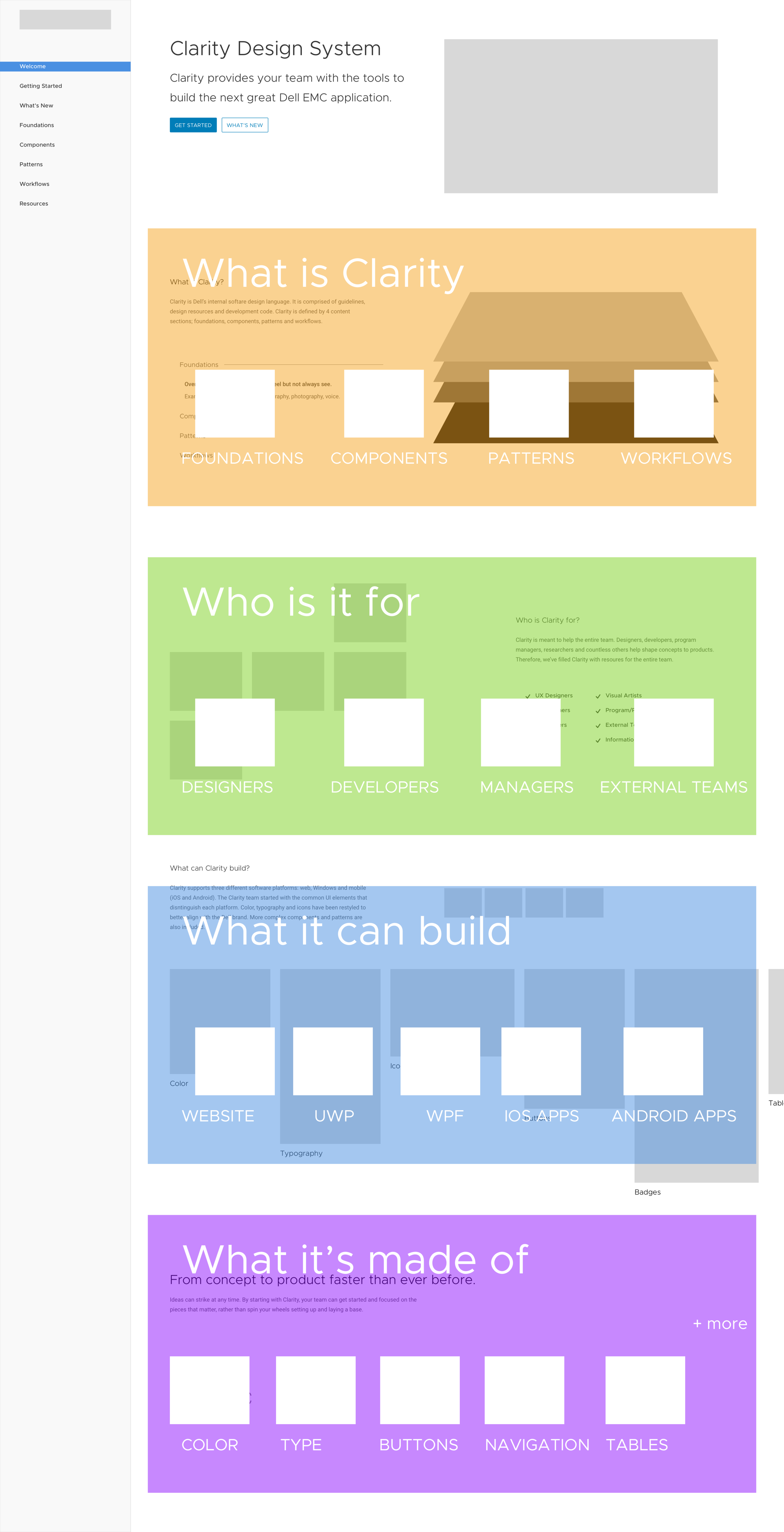
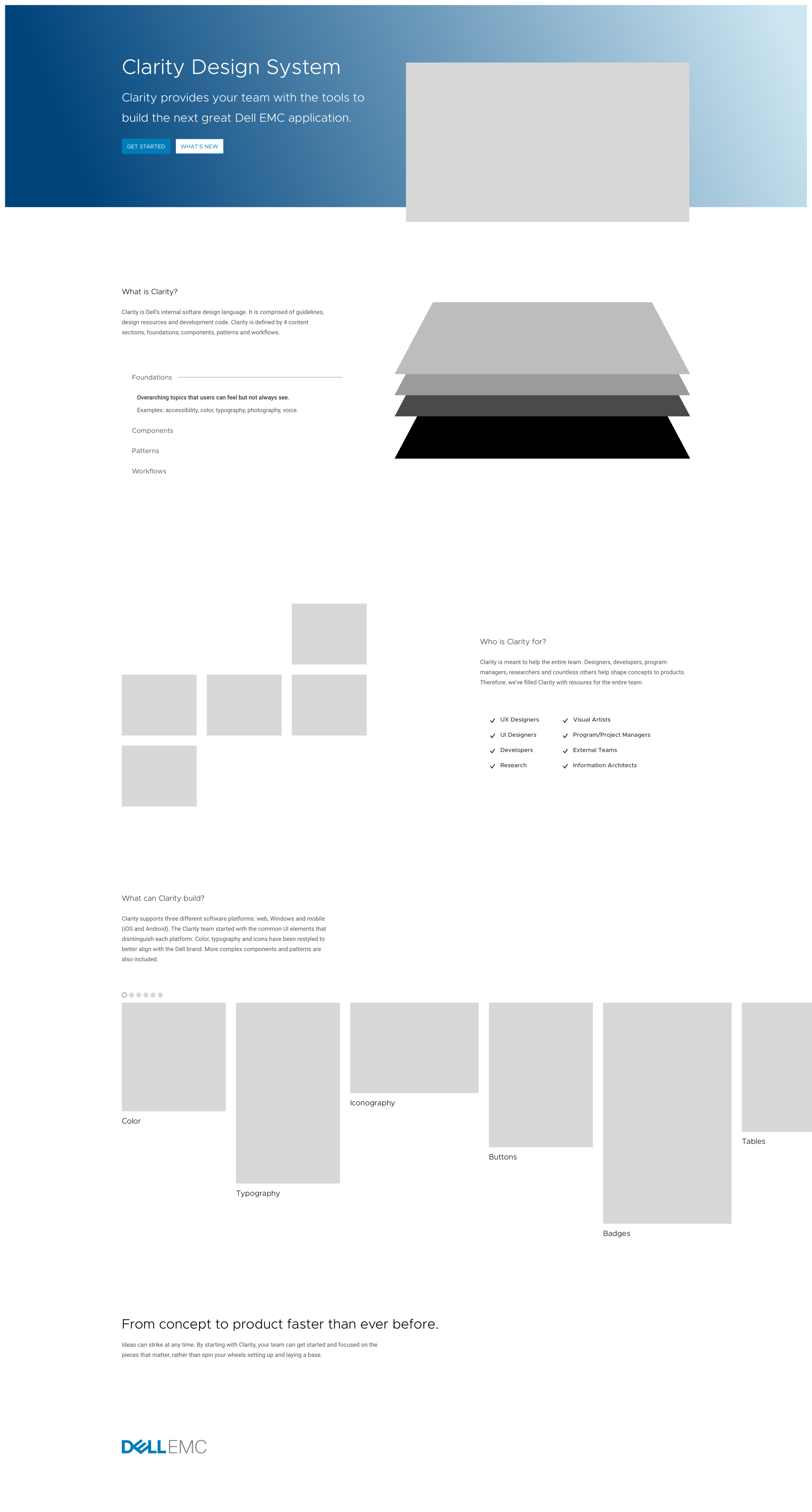
I focus on generating user flows, task flows, and high-level conceptual designs. There is no attention paid to visuals, other than device specific interactions.
Test prototypes
Prototypes help simulate what a product can be.
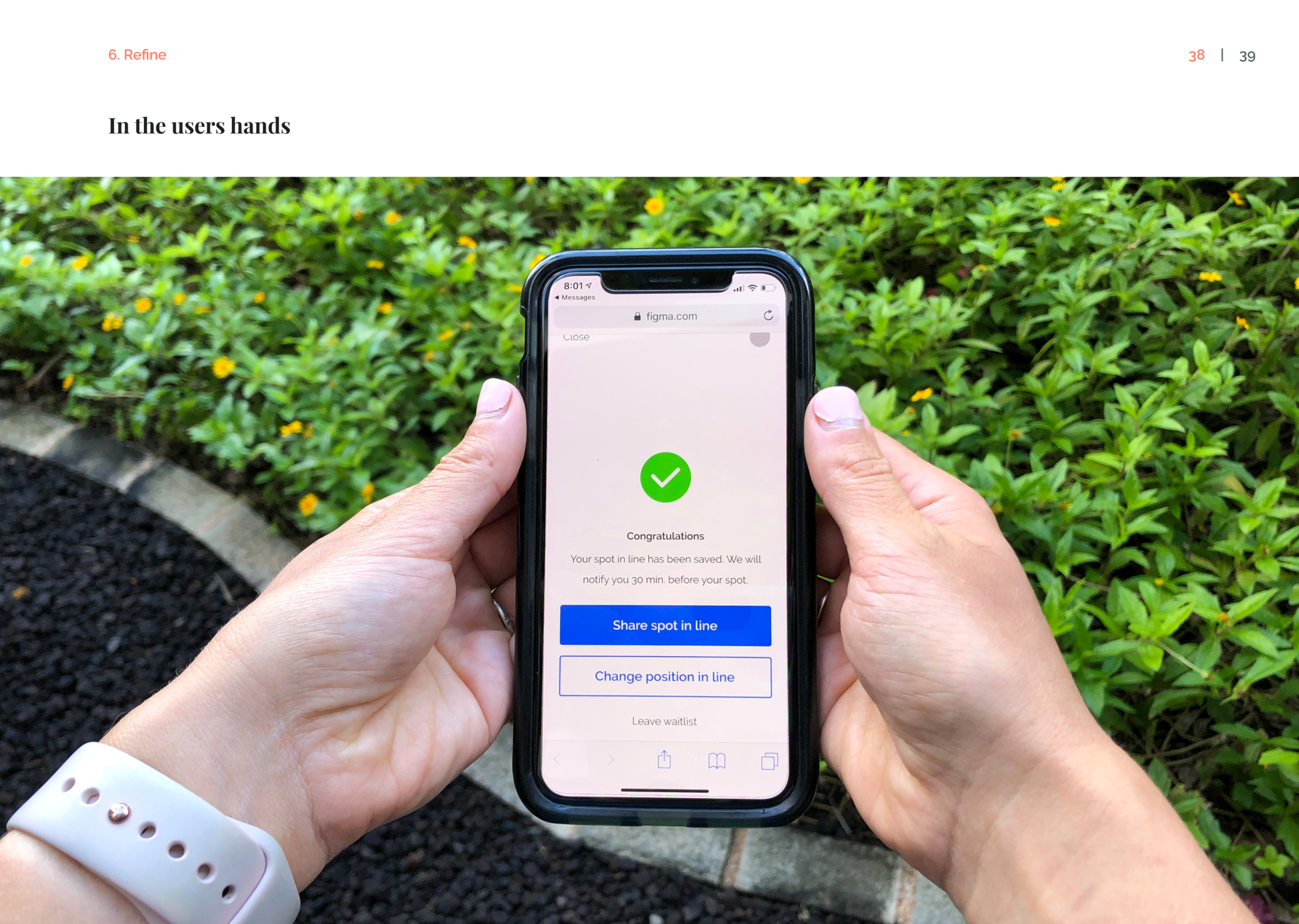
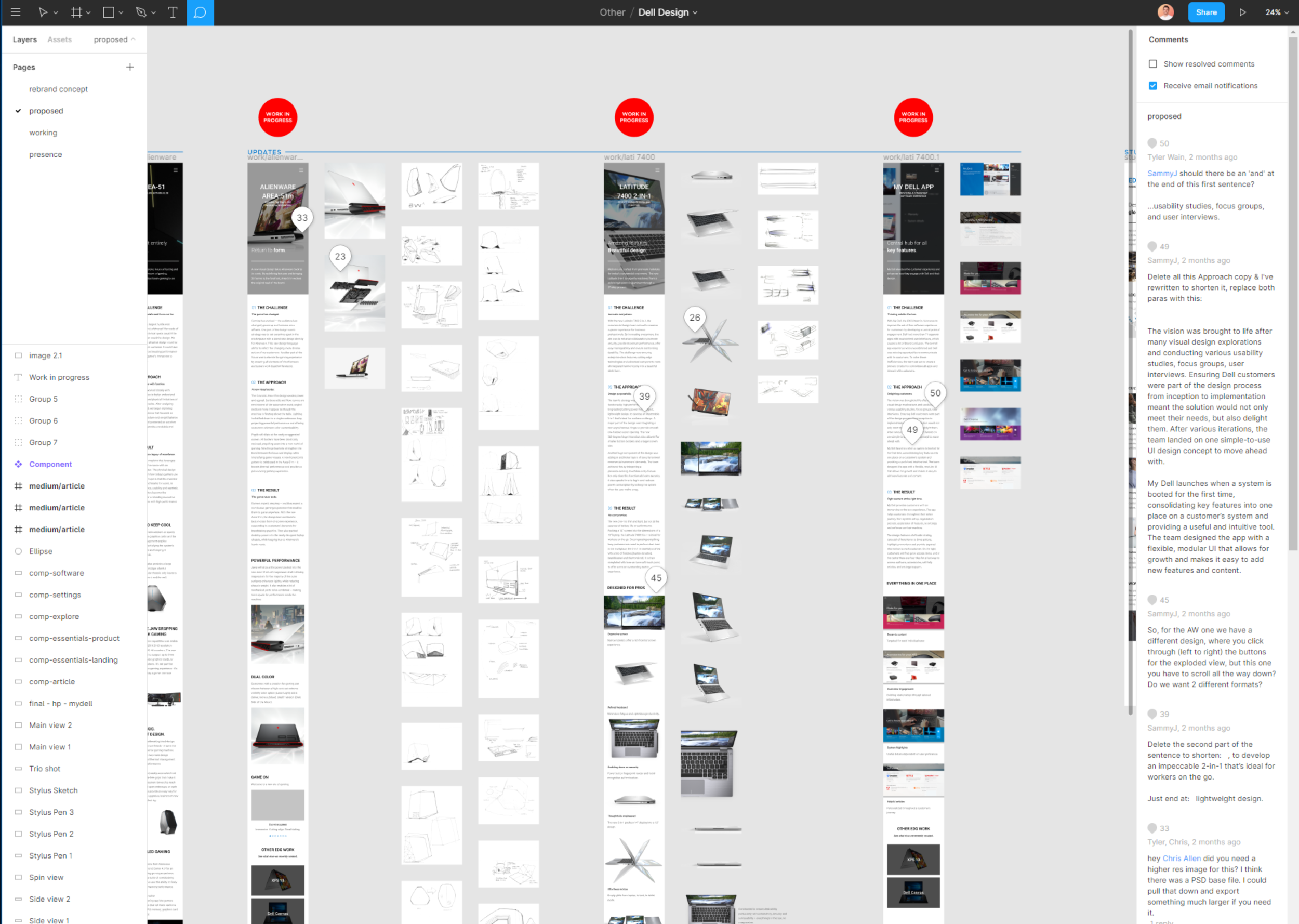
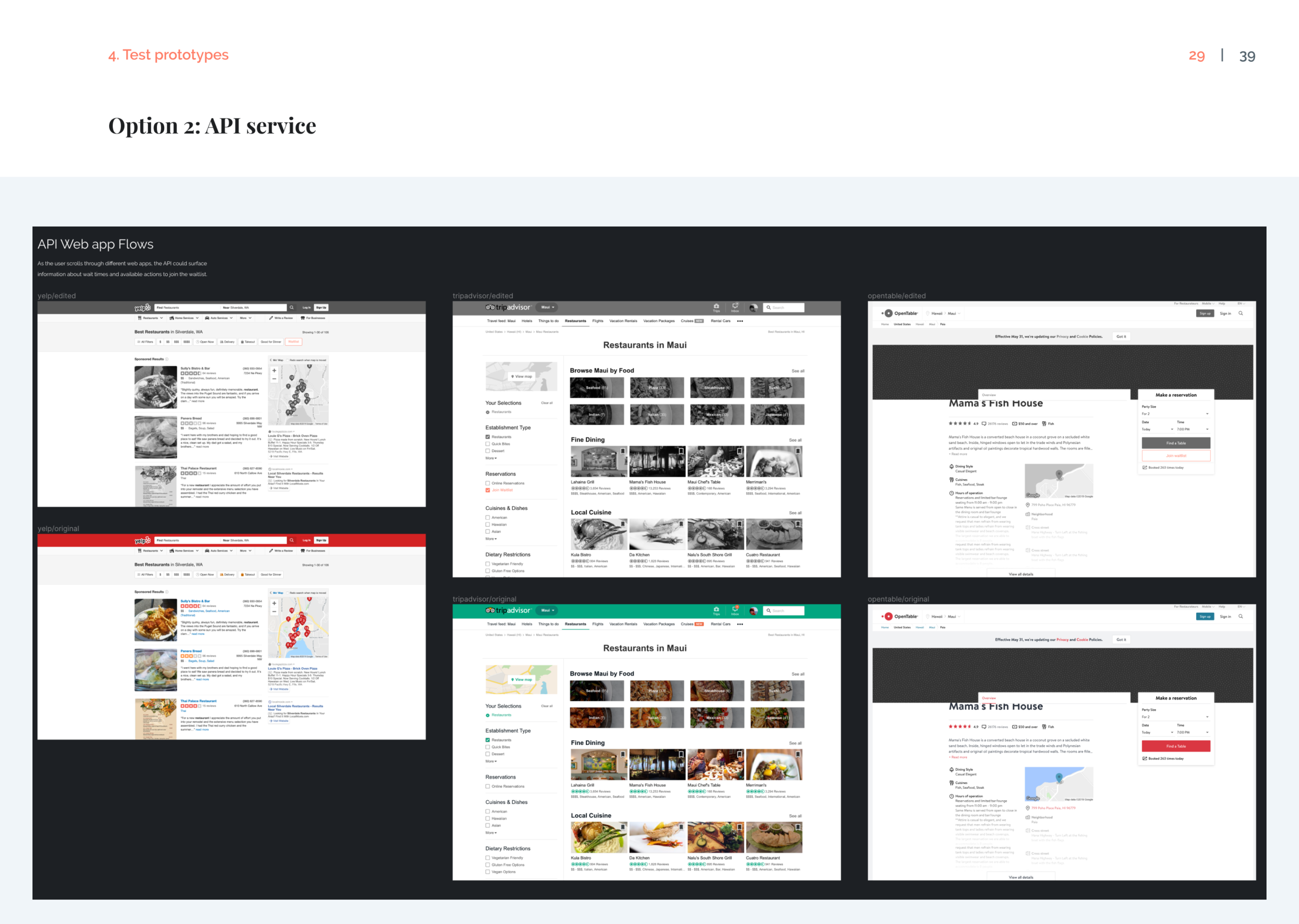
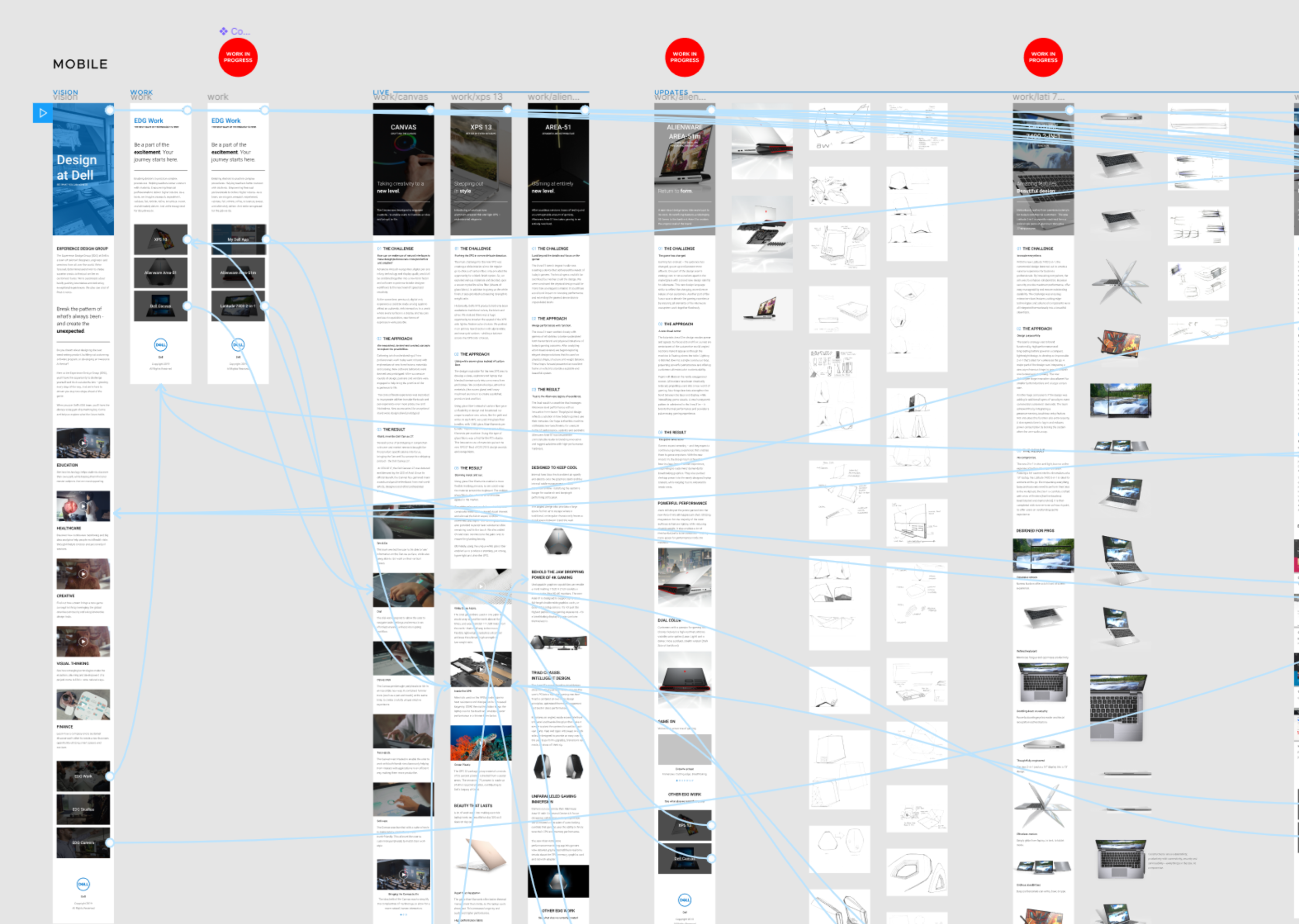
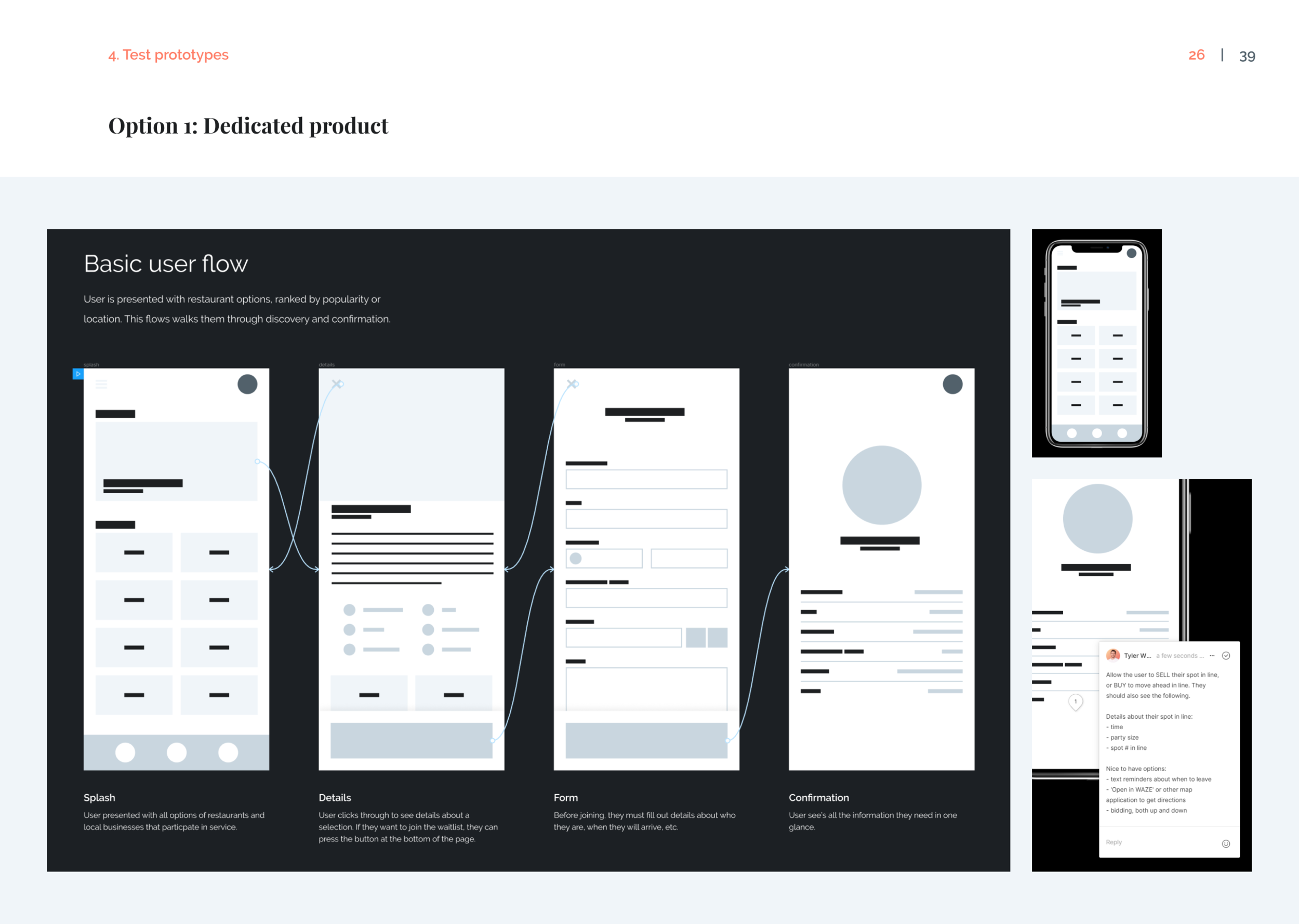
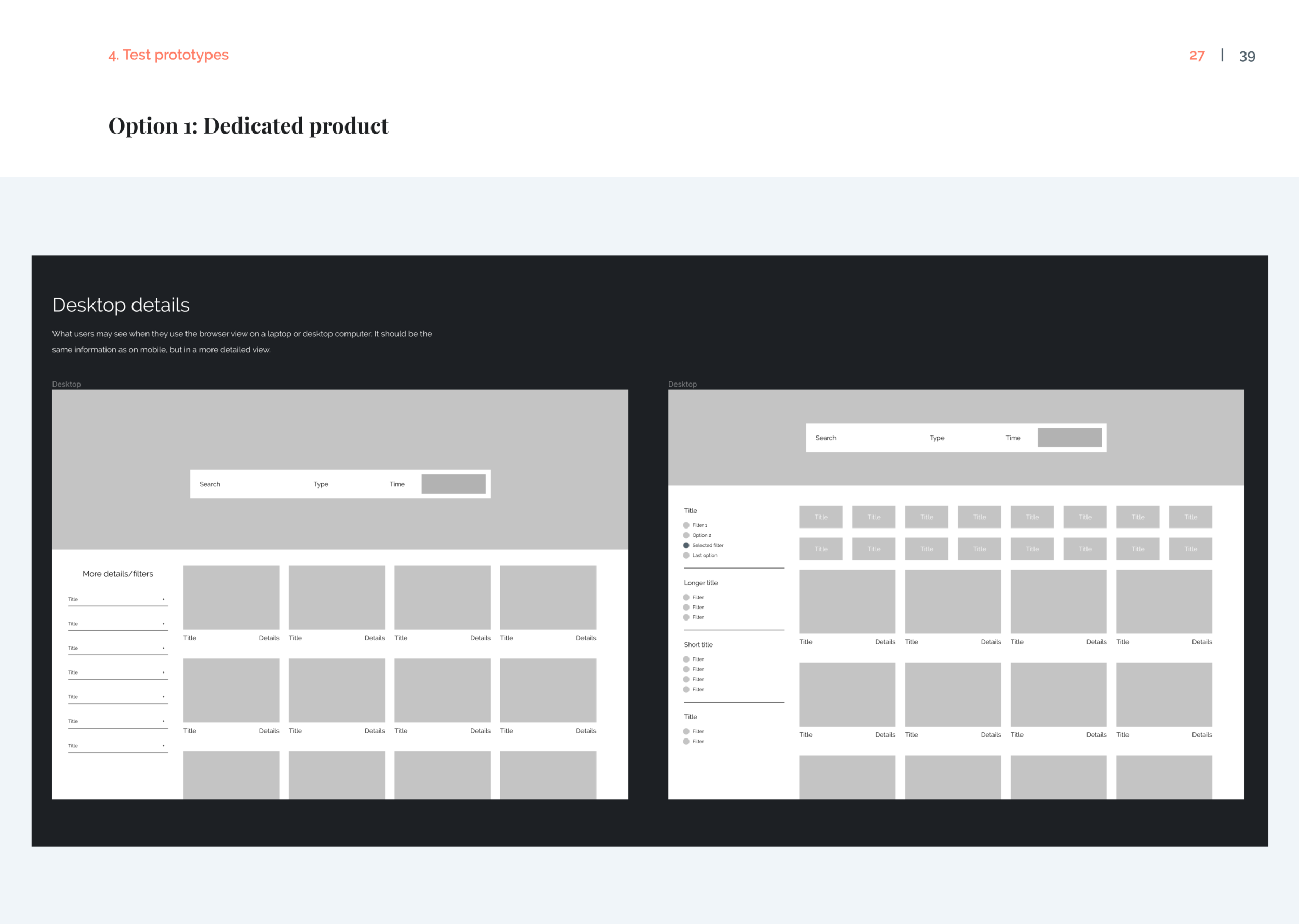
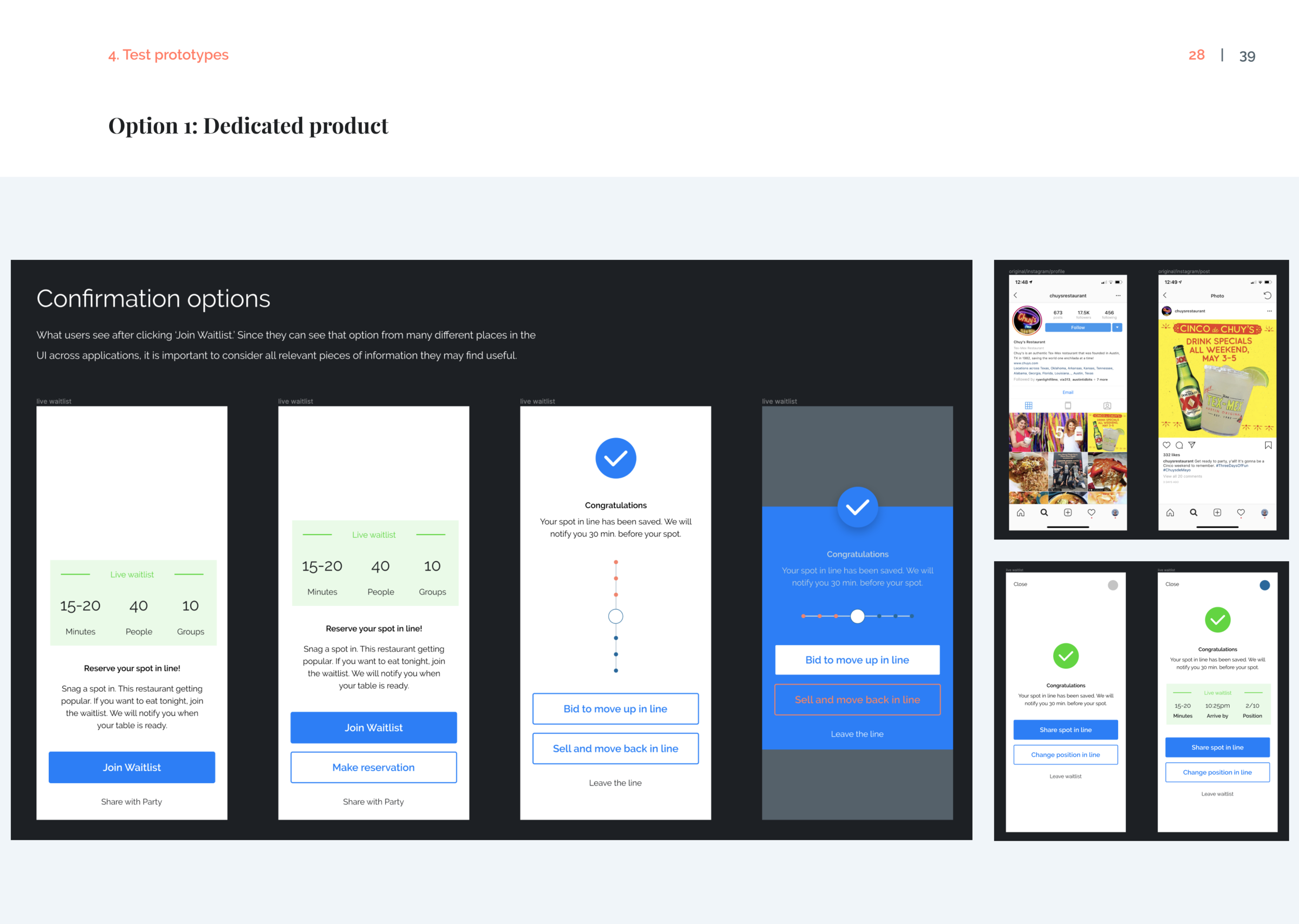
Prototypes evolve and adapt throughout a product, as more is learned and discovered. Similar to sketching, I find a lot of value in creating prototypes at different fidelity levels. Some are extensions of initial ideas while others are more evolved, offering different options as part of click-through experiences.
I share prototypes with team members, stakeholders and users to gather feedback.Initial prototypes focus on exploring the most important sections of the users experience. Product prototypes are great for testing visual layouts, overall design options, and micro-interactions. Prototypes can be much more useful than static screens.
Form insights
Make improvements from prototype feedback.
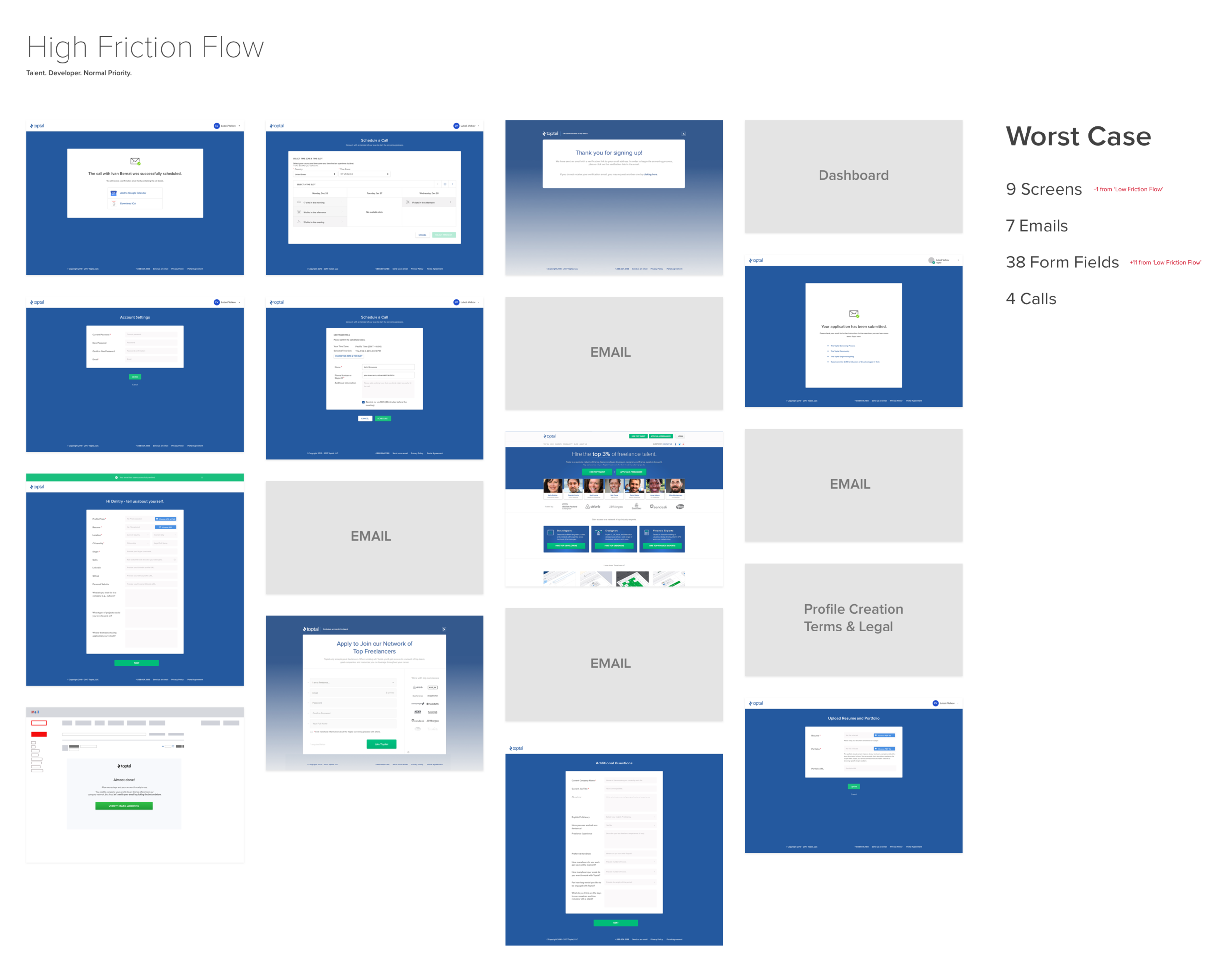
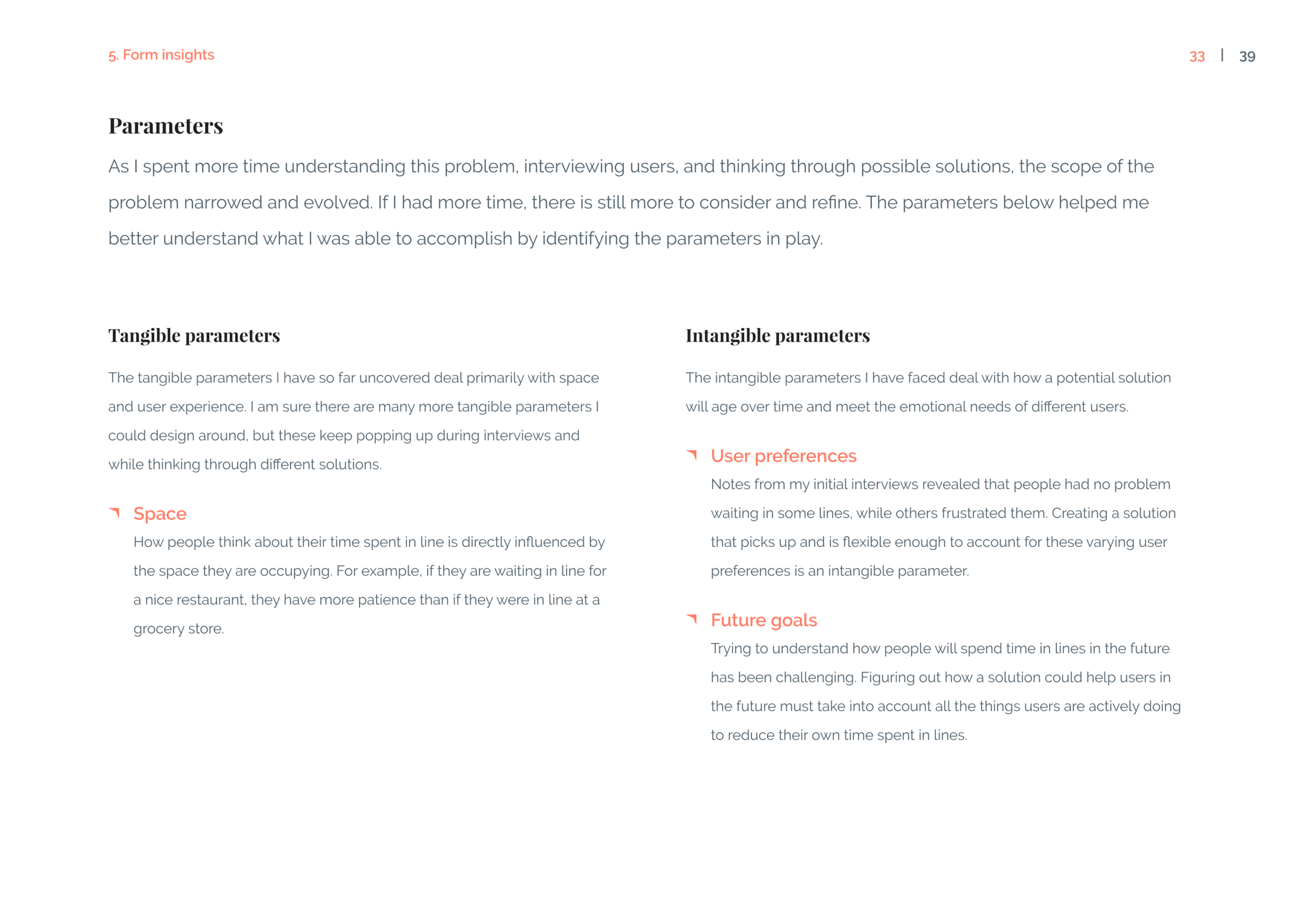
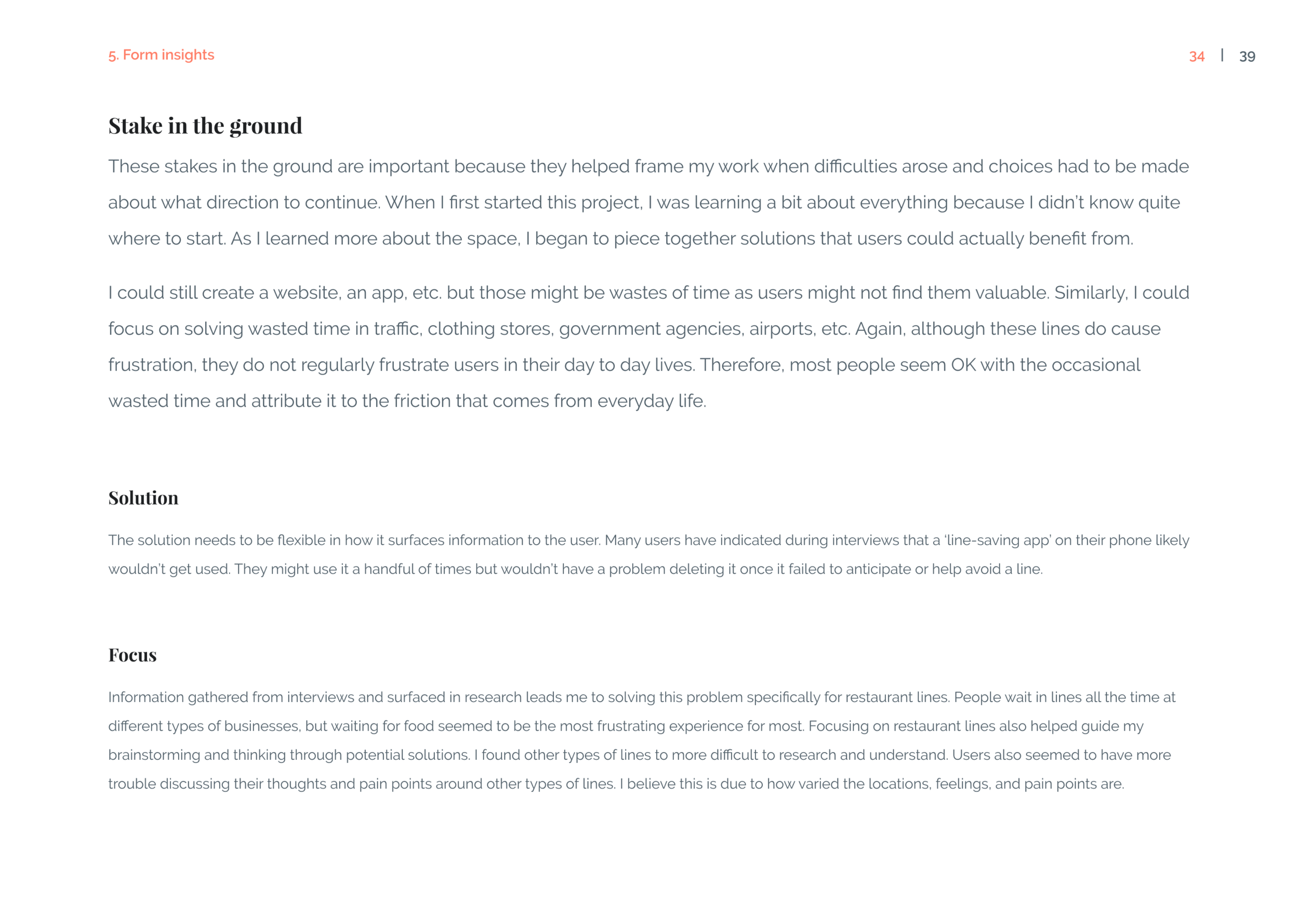
Identify opportunities for innovation with feedback from research and prototypes. The focus here is on identifying which flows are succeeding and which are creating friction for users. We need to understand if any designs caused significant problems or surprised users.
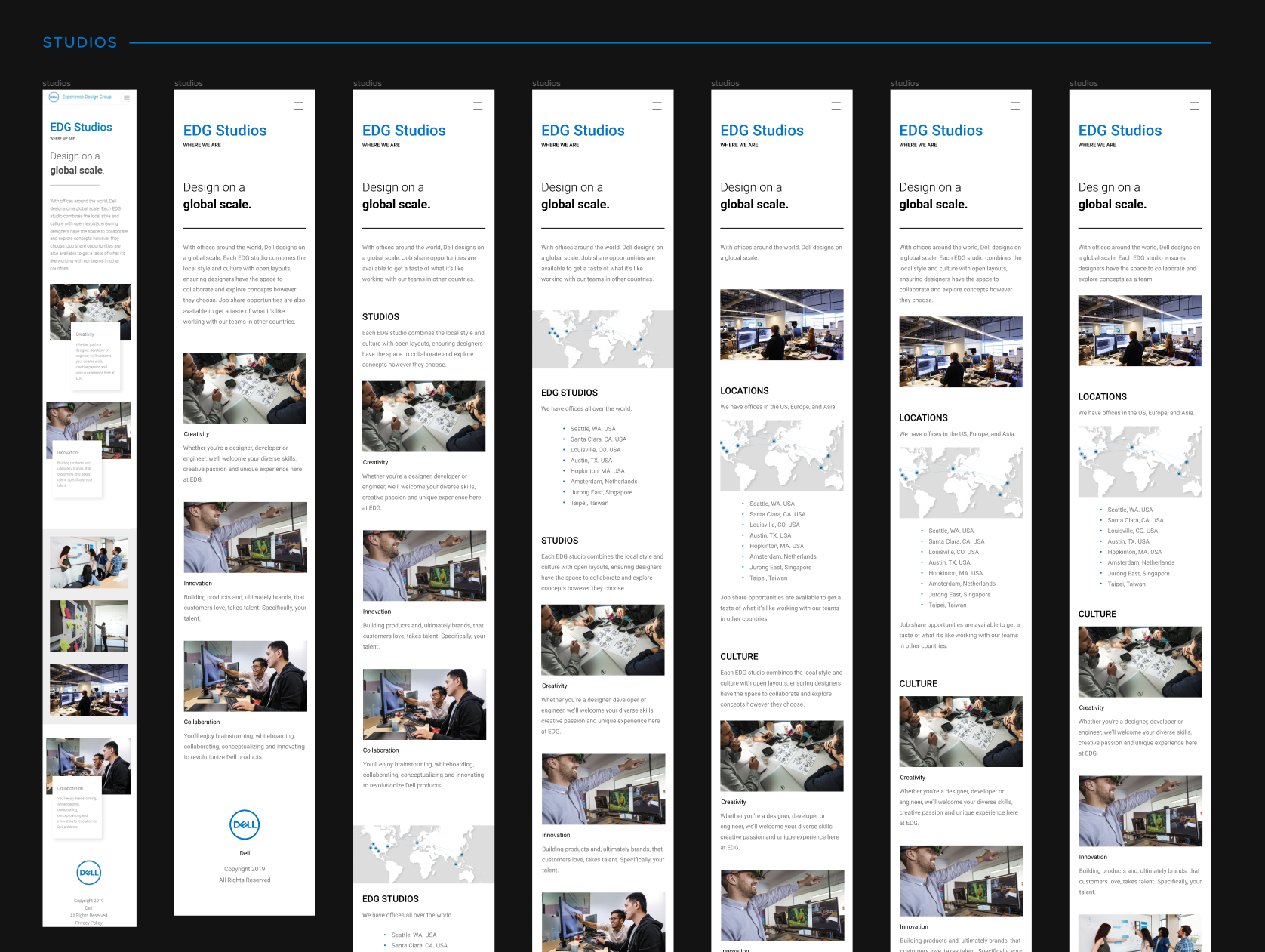
As the product begins to take shape, I pay particular attention to the information architecture and make sure our navigation is organized properly. Feedback is gathered from user testing and prototype feedback. Changes may also be necessary from engineering, marketing, or other team members.
Refine
Polishing the final product.
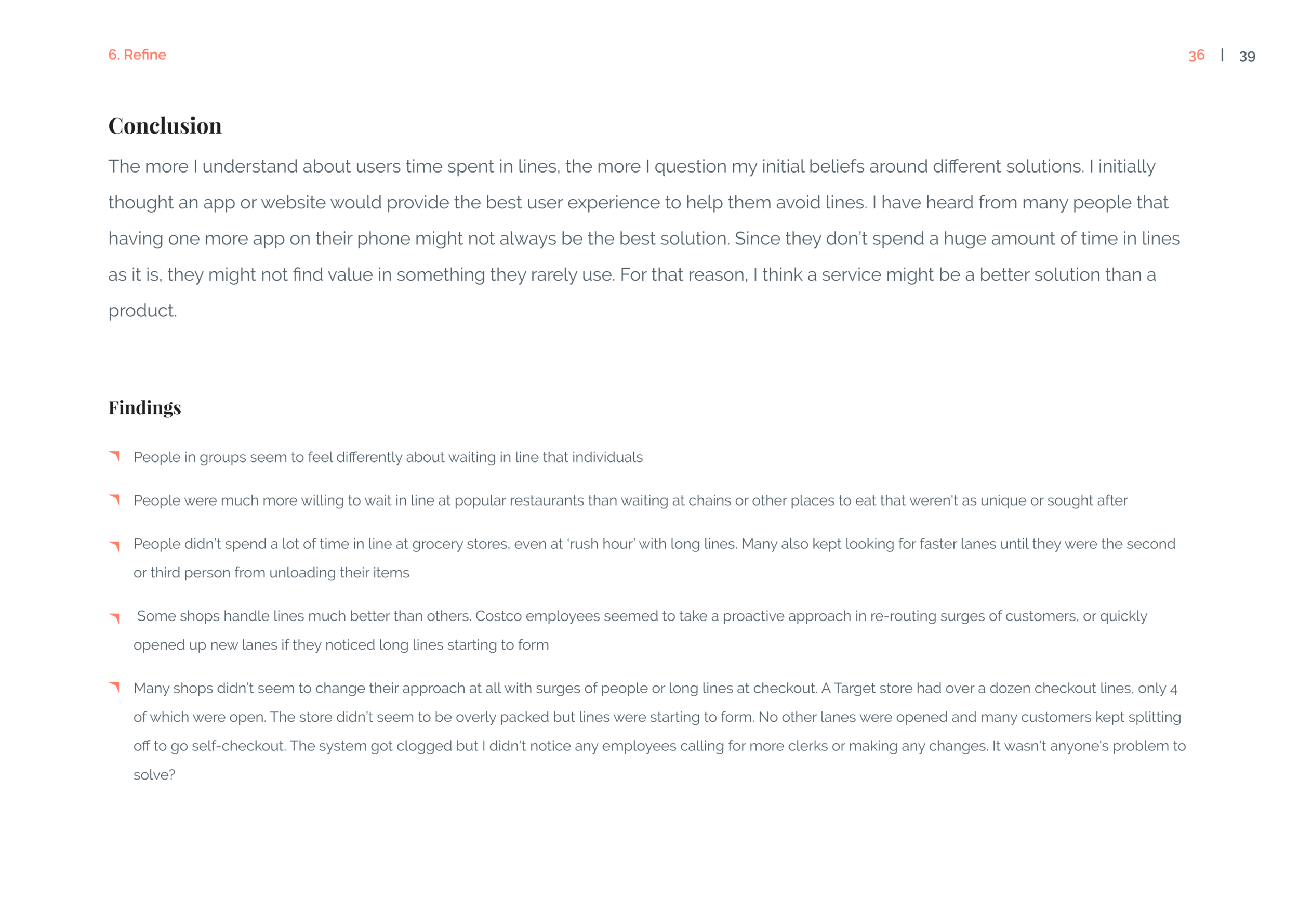
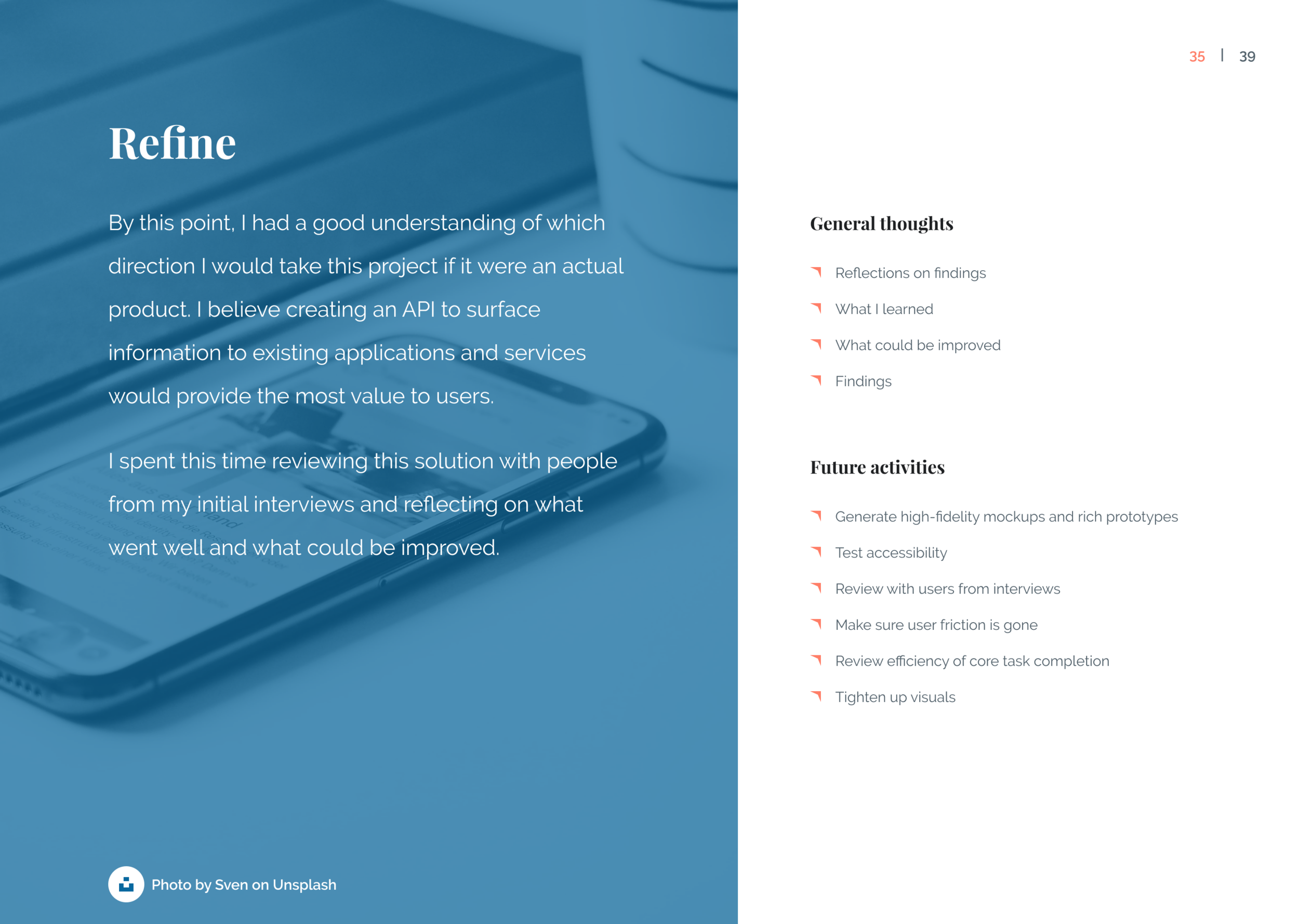
I use this time to finalize and close-out any remaining visuals, interactions, or flows. If available, I incorporate design system assets. At this stage, it’s not likely any big changes will be made to the navigation or interactions. Most of the effort is on aligning the final designs and testing accessibility, responsiveness, error states, etc. Detailed designs are shared with development and high-fidelity prototypes may be created.