BRIEF
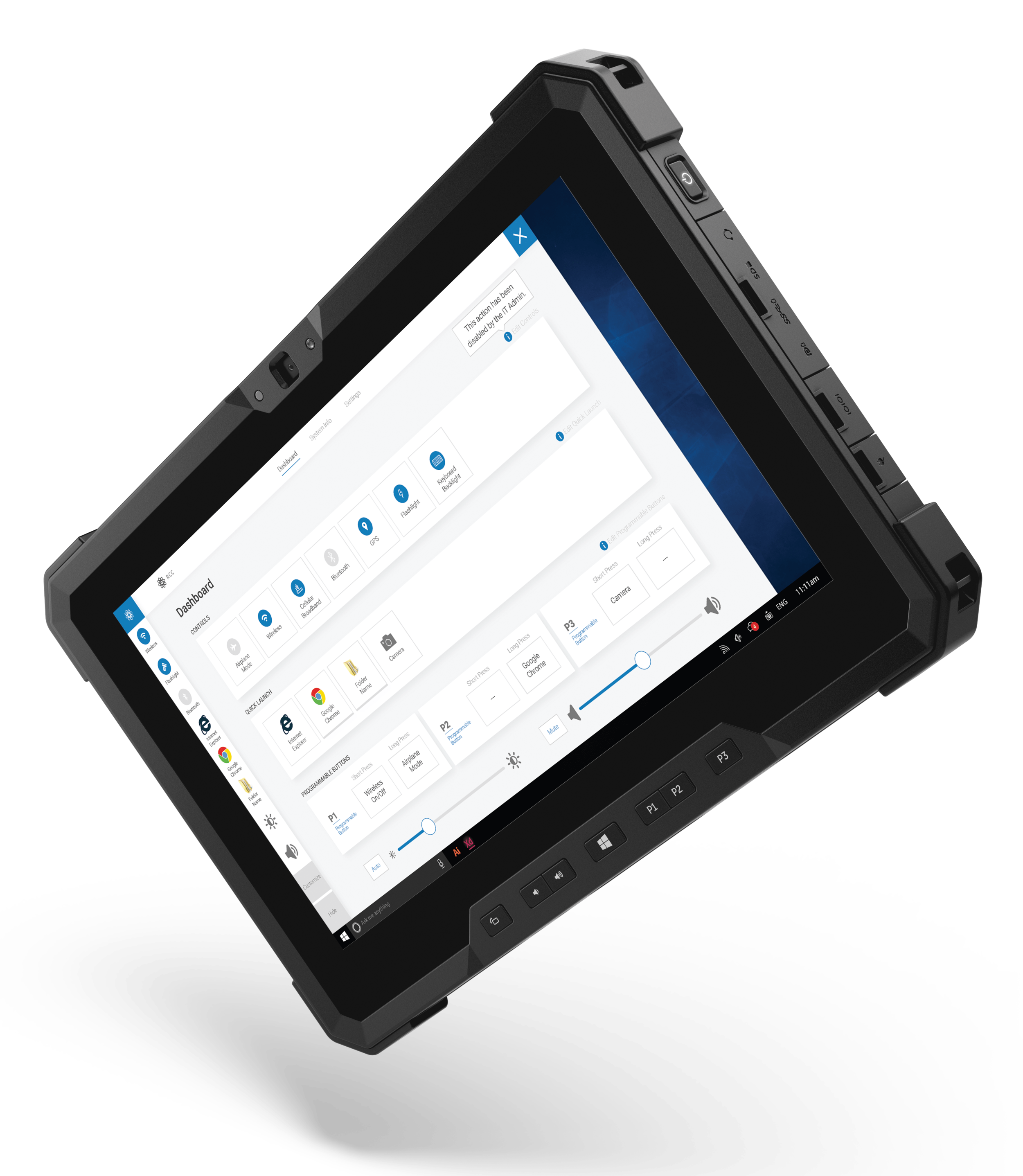
The Rugged Control Center is a Dell utility that gives users quick access to commonly used settings and shortcuts to launch their favorite applications.
ui. ux. visual design.
PROCESS
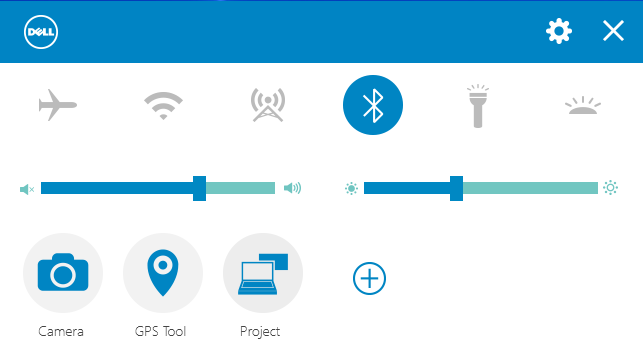
Update an existing product.
This product had been neglected over the years and was in need of visual updates. New features had also been added to the hardware, which meant the UI would need to be redesigned and improved. The Rugged product line was expanding and this control center would be the foundation for other future improvements.
The existing UI:
- difficult to use
- illogical workflows & architecture
- outdated visual style
- unable to scale to accommodate new features
Who it's for.
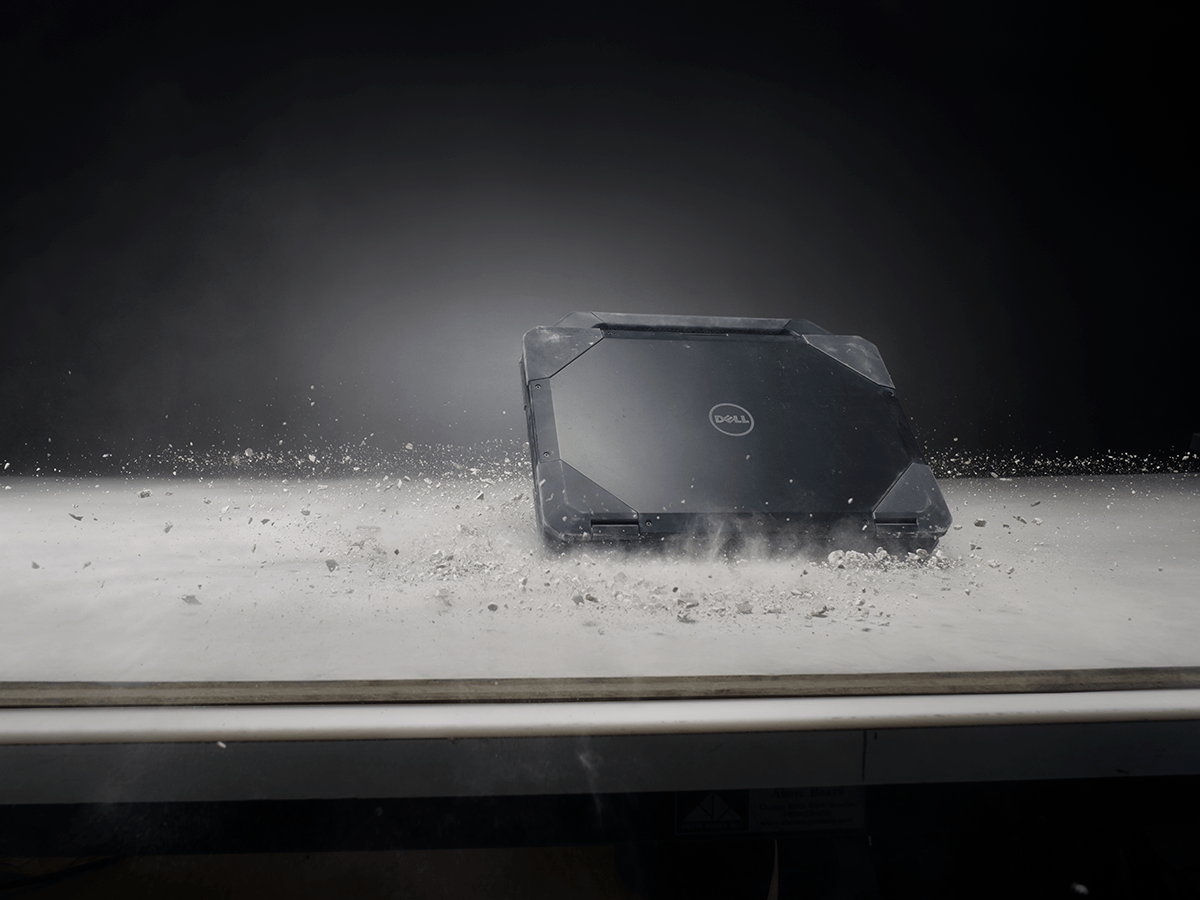
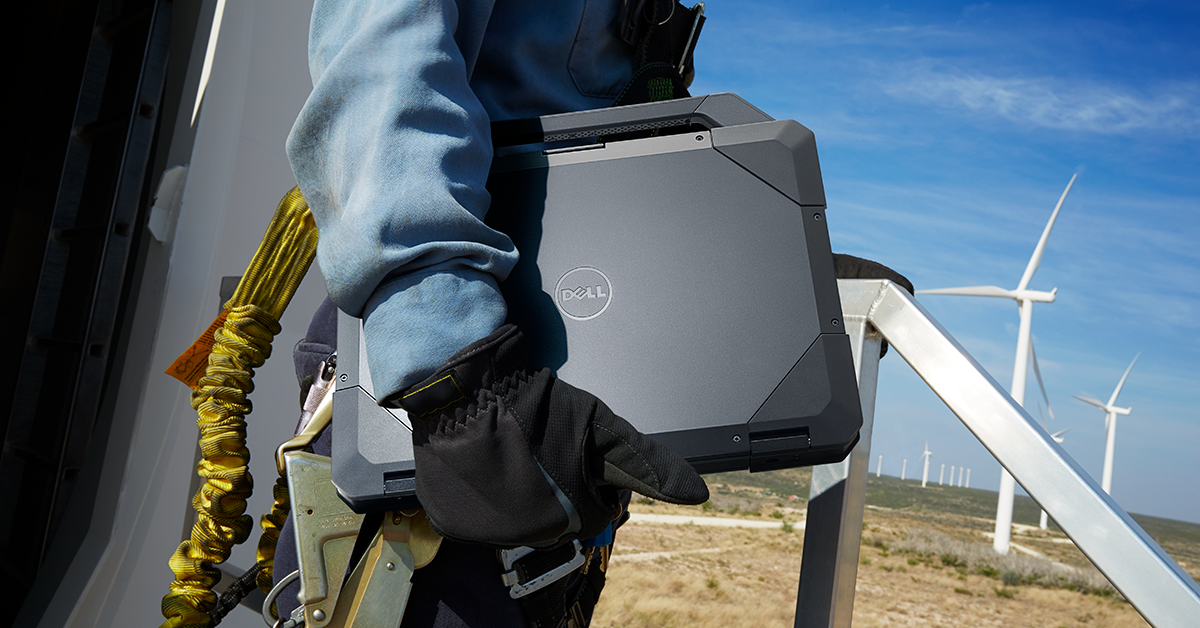
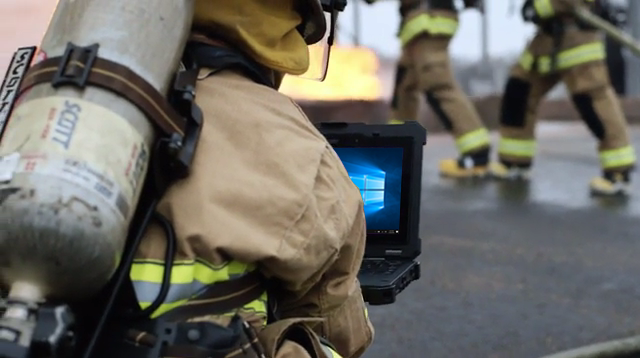
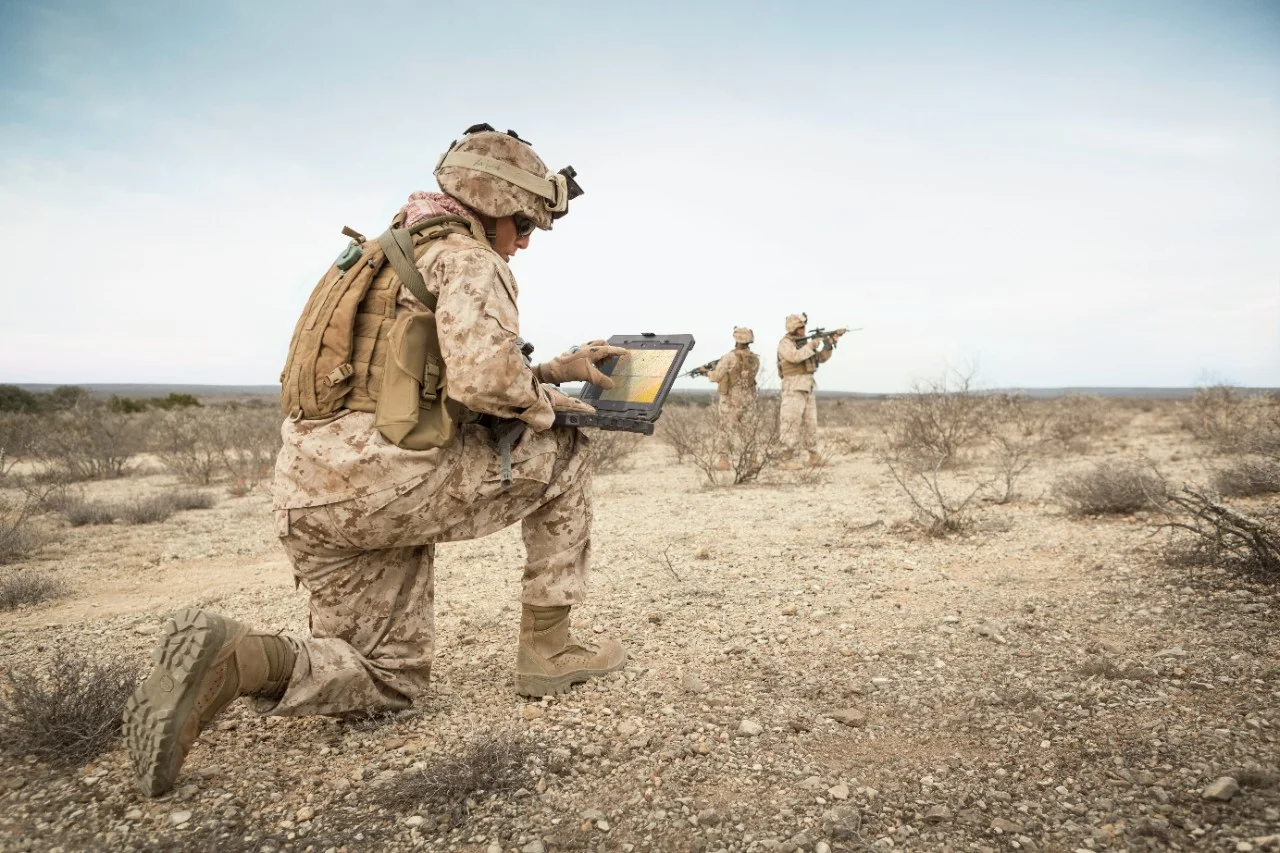
The Rugged tablet line is made with shock-absorbent materials and compression-sealed from sand, dust and liquids. Target users are firemen, police officers, engineers and all branches of the military.




RESULTS
Simple, scalable and rugged.
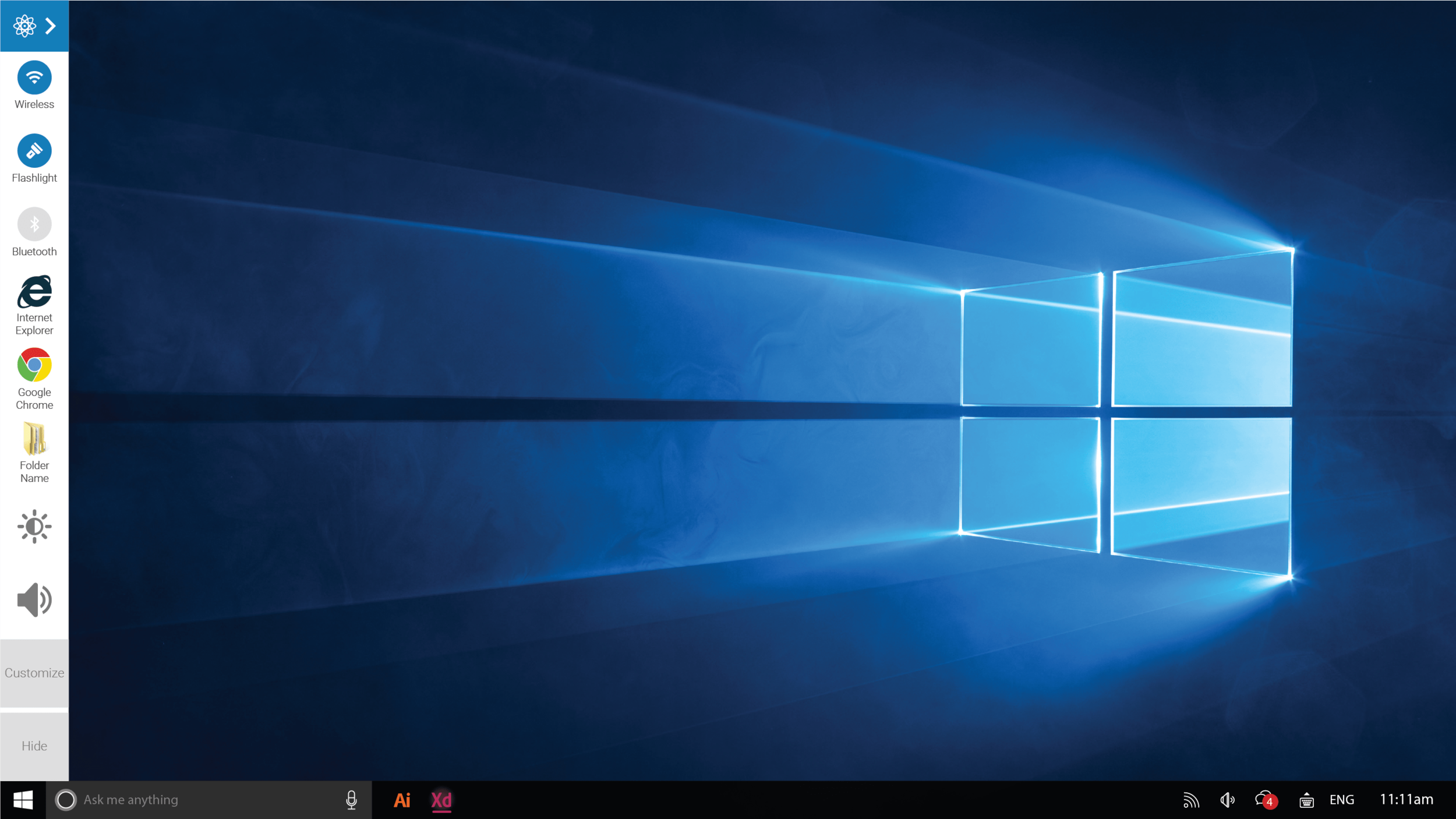
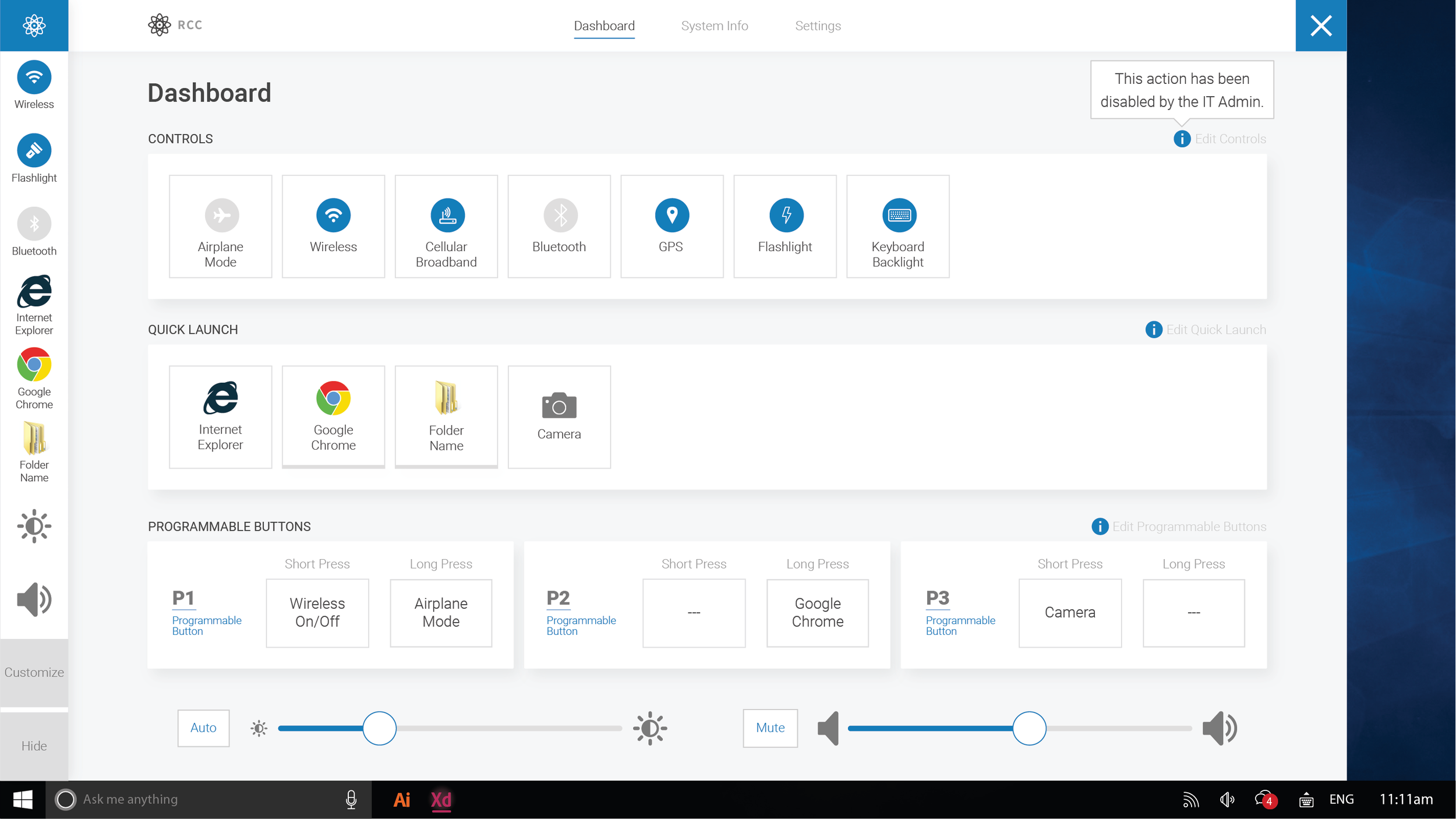
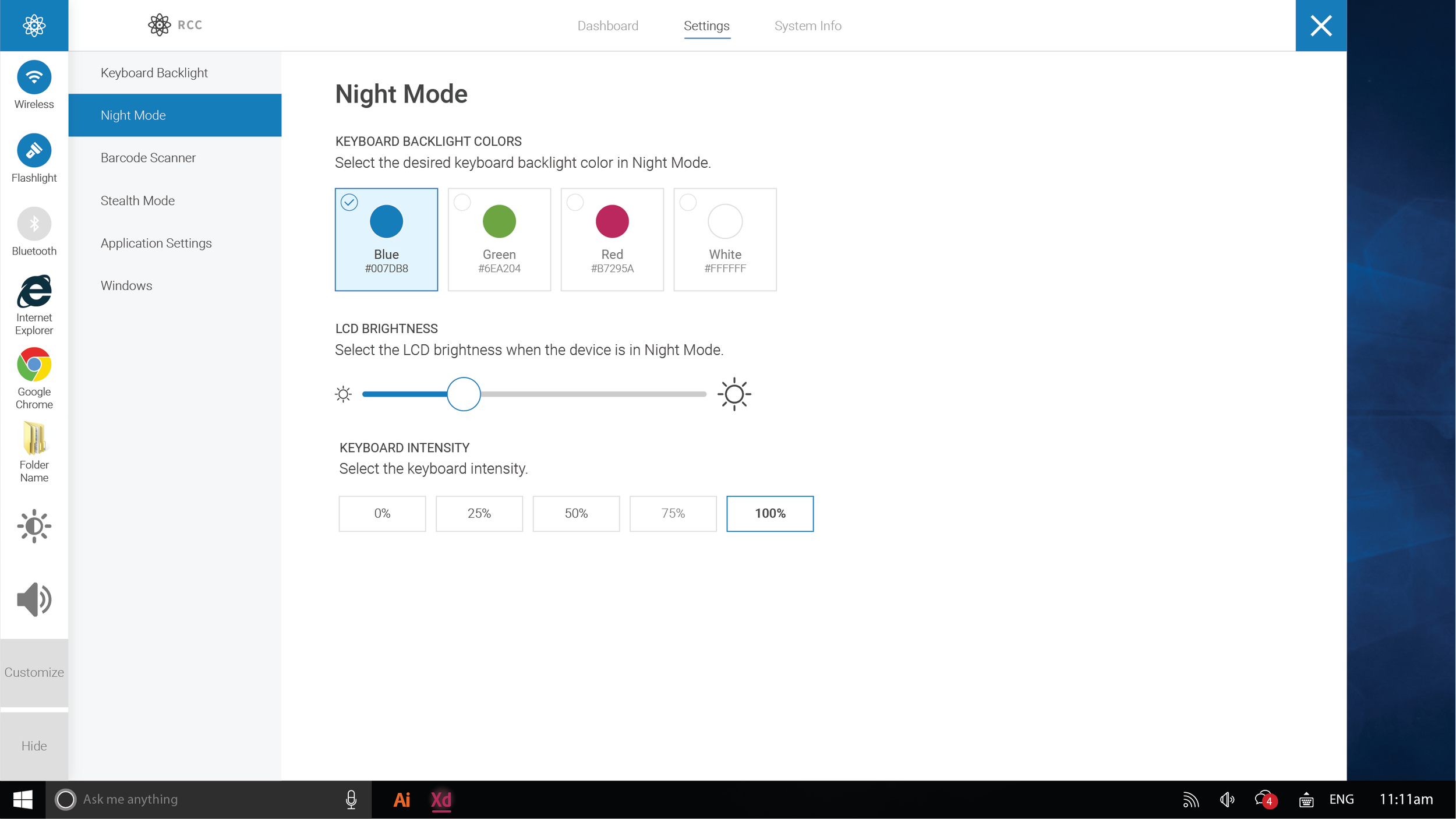
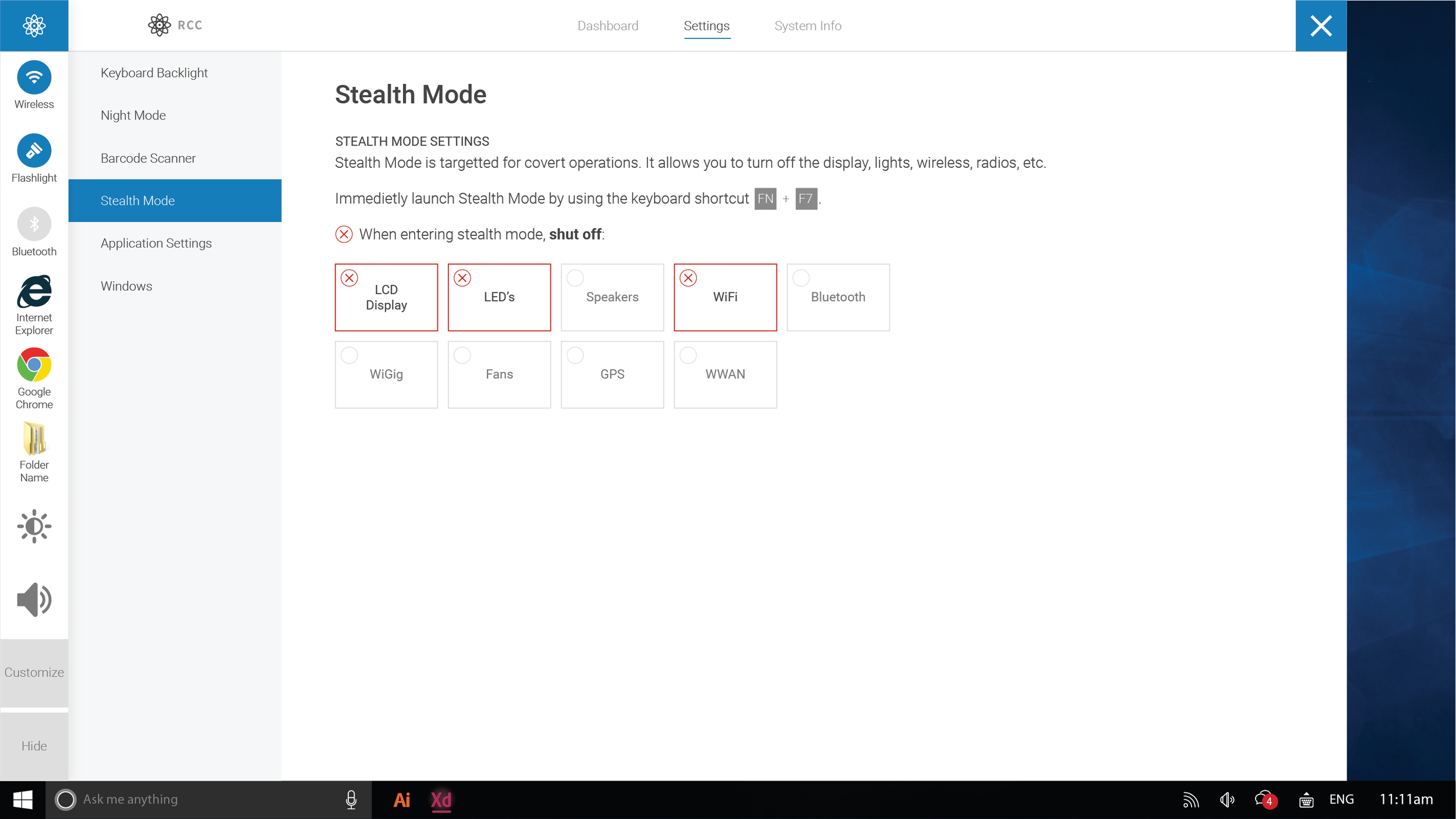
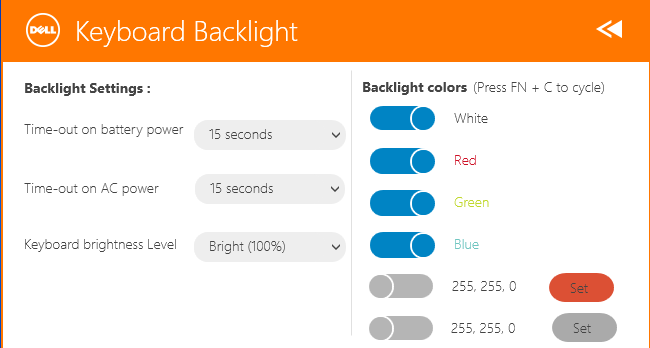
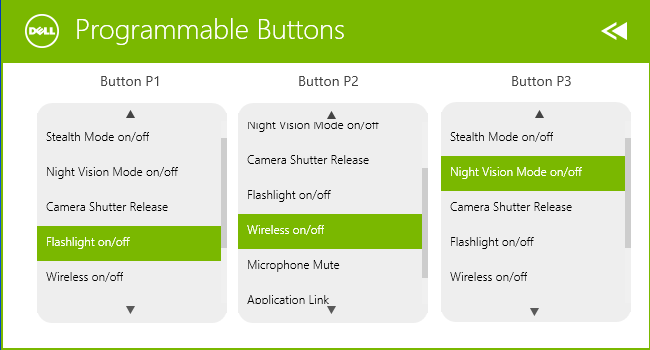
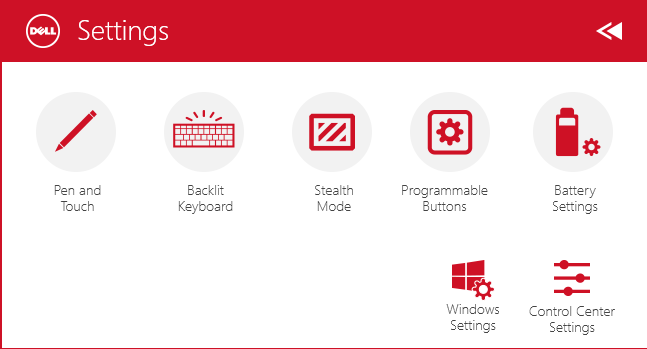
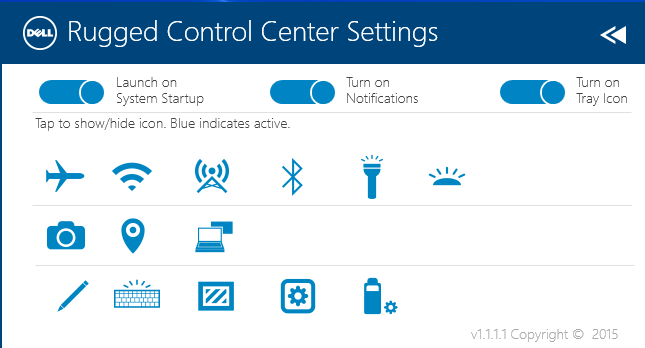
The redesigned UI takes full advantage of the screens real-estate. Since many Rugged users wear gloves or interact with their device while moving, I decided to use oversized controls to ensure simple changes were properly mapped on the screen.
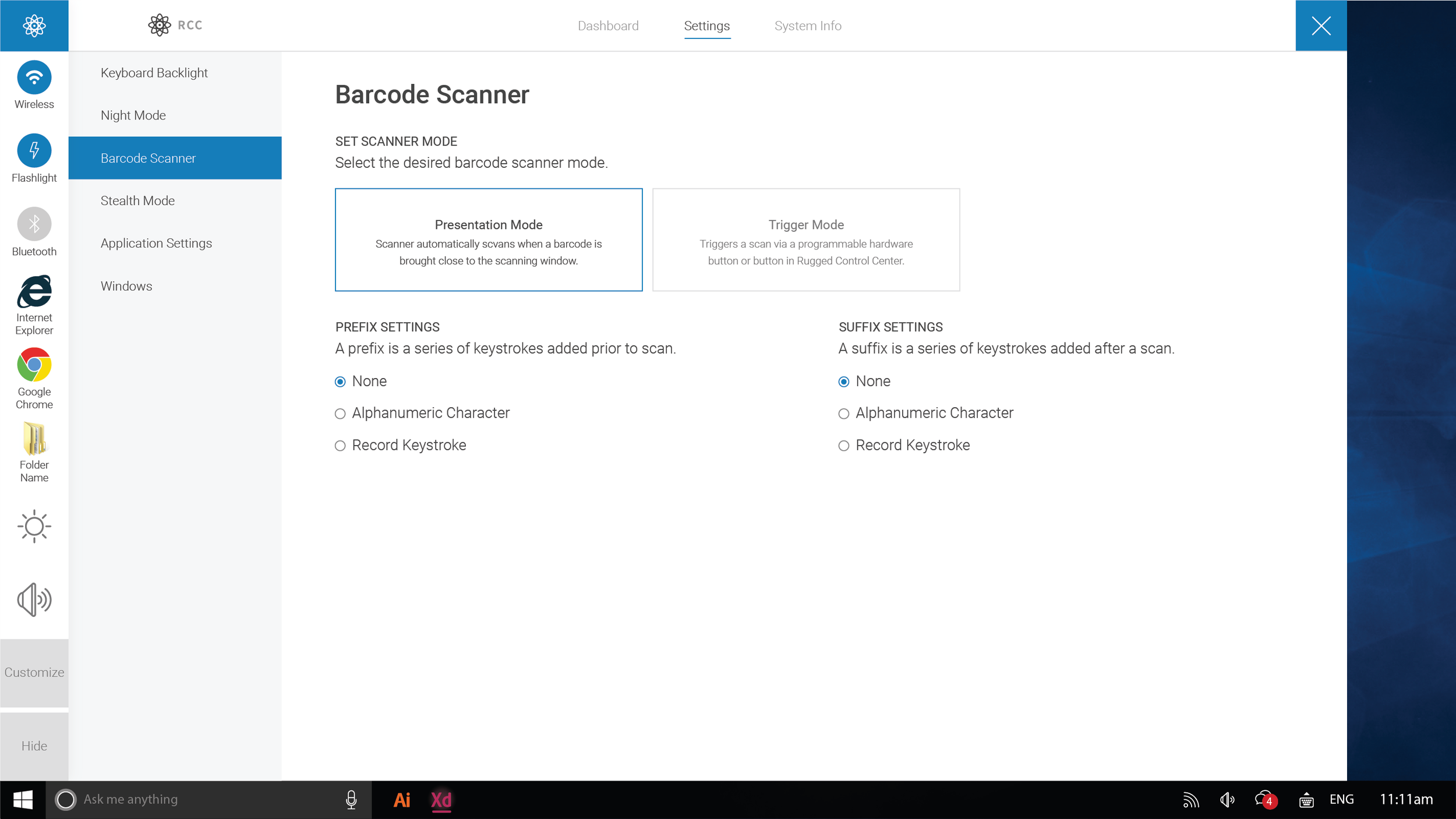
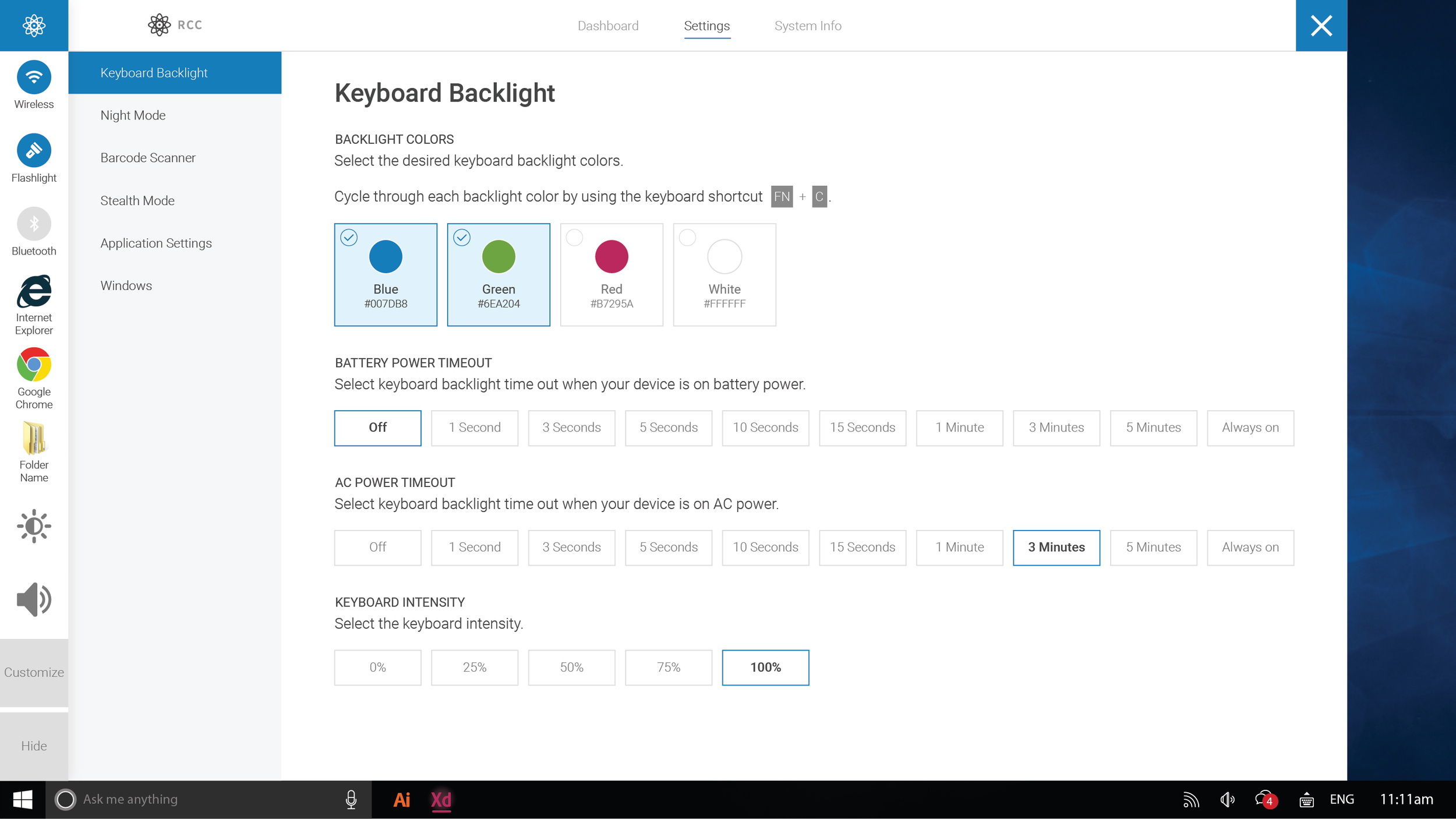
Knowing that features would be continually added to the control center, I future-proofed the settings area by placing all top-level elements within a side-nav. Child elements appear to the right, with user changes immediately enabled by default.